
Buying guide · Updated 2026
6K Retina on your Mac — without the Apple price
A 6K display gives macOS the pixel density it was designed for — razor-sharp text and true Retina scaling on a 32" canvas. Outside of Apple’s €5,499 Pro Display XDR, almost no one makes one. Kuycon makes two, from around €1,200.
Our selection
Two 6K monitors, two budgets
Both are 32-inch 6K panels built for Mac. The G32P is the reference choice; the G32X gives you 6K for the least money.
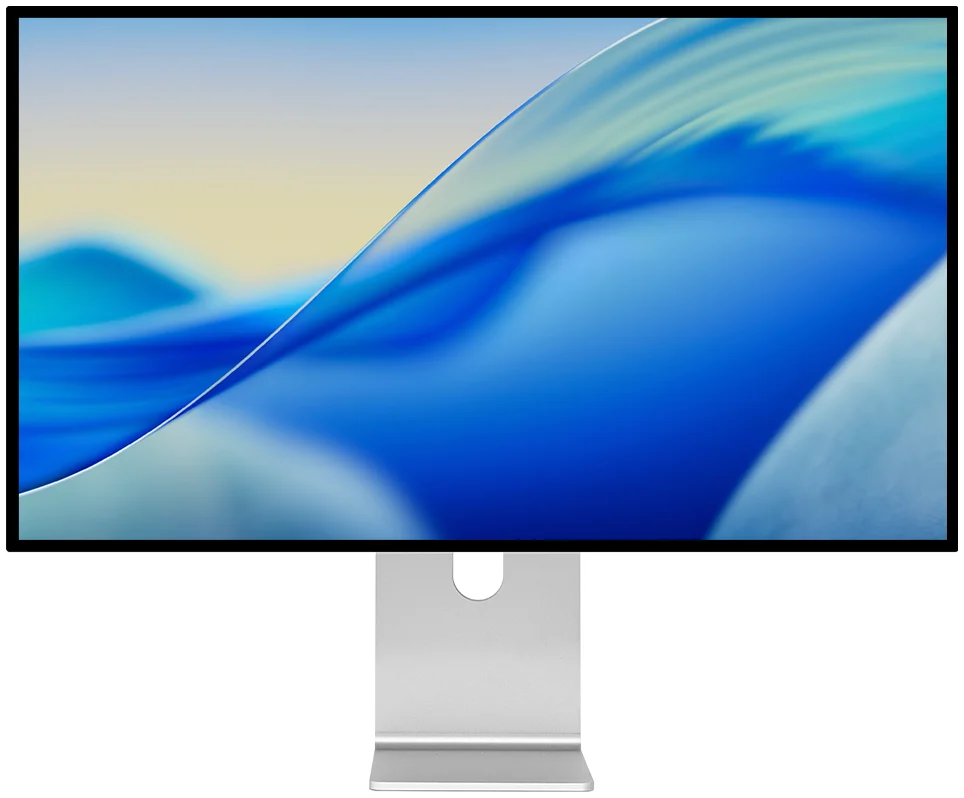
Kuycon G32P
6K · IPS Black · the sharpest option
From CN¥12,069.90 incl. VAT
- Resolution6144 × 3456 (6K)
- Pixel density223 ppi
- PanelIPS Black, HDR
- Contrast2000:1
- Brightness500 nits
- Refresh60 Hz
Why we pick it: the highest pixel density of any monitor on this page and a 2000:1 IPS Black panel — the closest thing to a Pro Display XDR for everyday pro work, at a quarter of the price.
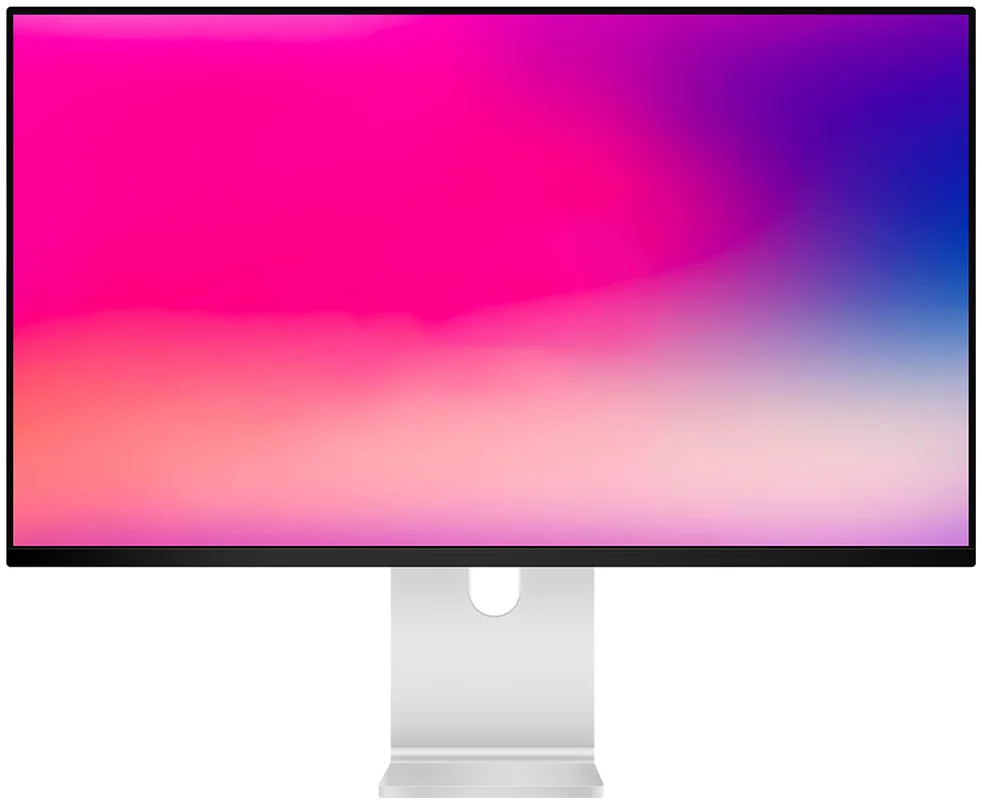
Kuycon G32X
6K · the lowest-cost way in
From CN¥10,029.90 incl. VAT
- Resolution6016 × 3384 (6K)
- Pixel density218 ppi
- PanelIPS, HDR
- Contrast1500:1
- Brightness500 nits
- Refresh60 Hz
Why we pick it: the same 32" 6K experience — 218 ppi, exactly matching the Pro Display XDR’s density — with a matte finish, for the lowest price of any 6K monitor we know of.
Head to head
Kuycon 6K vs Apple Pro Display XDR
The Pro Display XDR is the benchmark 6K monitor. Here is how the two Kuycon models line up against it on the numbers that matter for a Mac.
| Kuycon G32P | Kuycon G32X | Apple Pro Display XDRreference | |
|---|---|---|---|
| Screen size | 32" | 32" | 32" |
| Resolution | 6144 × 3456 | 6016 × 3384 | 6016 × 3384 |
| Pixel density | 223 ppi | 218 ppi | 218 ppi |
| Panel | IPS Black | IPS | IPS mini-LED |
| Peak brightness | 500 nits | 500 nits | 1600 nits (HDR) |
| Refresh rate | 60 Hz | 60 Hz | 60 Hz |
| Stand included | Optional | Optional | No (+€1,099) |
| Starting price | CN¥12,069.90 | CN¥10,029.90 | €5,499 |
Prices incl. VAT and refresh with your region’s currency. Apple figures are the manufacturer’s published specifications, shown for comparison only.
What is a 6K monitor, and why does it matter on a Mac?
“6K” means roughly 6,000 pixels across — about 20 million pixels in total, versus 8.3 million on a 4K screen. On a 32-inch panel that lands around 218–223 pixels per inch, which is exactly the density macOS treats as “Retina”. At that density macOS renders text and interface elements with true 2× (HiDPI) scaling, so everything looks crisp with no blur and no awkward in-between scaling.
This is the single biggest reason designers, photographers, developers and video editors on Mac look for 6K: you get a large 32" workspace and pixel-perfect sharpness at the same time, instead of trading one for the other.
A genuine Apple Pro Display XDR alternative
For years the only 32" 6K monitor on the market was Apple’s Pro Display XDR — a superb screen, but one that starts at €5,499 and still needs a €1,099 stand. Its standout feature is reference HDR: 1,000 nits sustained, 1,600 nits peak from a mini-LED backlight, aimed at professional colour grading.
The Kuycon G32P and G32X match the two things most Mac users actually buy a 6K screen for — the resolution and the Retina pixel density — while costing roughly a quarter of the price. What you give up is Apple’s extreme HDR brightness. If you are not grading HDR film for a living, that is a trade most people happily make. If you are, the head-to-head Pro Display XDR vs Kuycon G32P comparison goes deeper.
G32P or G32X: how to choose
- Choose the G32P if you want the sharpest, highest-contrast image. Its 223 ppi IPS Black panel with a 2000:1 contrast ratio is the most “pro” screen here, ideal for photo and design work where black detail matters.
- Choose the G32X if your priority is getting into 6K for the least money. You keep the full 218 ppi Retina density — the same as the Pro Display XDR — with a matte, anti-glare finish that suits bright rooms.
Which Macs can drive a 6K display?
Any Mac with Apple silicon (M1, M1 Pro/Max/Ultra, M2, M3, M4 and later) drives a 6K panel at full resolution over a single USB-C / Thunderbolt cable. Intel Macs from 2020 onward with 10th-gen Intel graphics also support 6K; older Intel models top out at 5K or lower. Every recent iPad Pro (M1 and later) works too. Both Kuycon 6K monitors reach 6K over Thunderbolt 4 / USB4 or HDMI 2.1.
FAQ
6K monitors for Mac: common questions
Is a 6K monitor worth it over 4K for a Mac?
If you work on a 32" screen, yes. At 32" a 4K panel is only about 140 ppi, so macOS text looks noticeably softer. 6K brings the same 32" screen to ~218–223 ppi, the density macOS renders as true Retina. For everyday productivity a good 4K is fine; for design, photo and text-heavy work, 6K is a real upgrade.
What is the cheapest 6K monitor for Mac?
The Kuycon G32X, from about €1,203 incl. VAT, is the lowest-cost 32" 6K monitor we are aware of — roughly a quarter of the Apple Pro Display XDR’s €5,499 starting price.
Do Kuycon 6K monitors work with a MacBook?
Yes. Any Apple-silicon MacBook (M1 and later) drives them at full 6K over a single Thunderbolt / USB-C cable, which can also charge the laptop depending on the model’s power delivery. Intel MacBooks from 2020 with 10th-gen Intel graphics are supported too.
Do they support Retina (HiDPI) scaling?
Yes. Because they sit at ~218–223 ppi, macOS enables 2× HiDPI scaling automatically, and you can control the monitor’s brightness from the Mac keyboard just like an Apple display.
Ready for 6K on your Mac?
Both the G32P and G32X come with a 2-year warranty in the European Union, plus EU-based delivery and after-sales. Pick the one that fits your budget and get true Retina sharpness on a 32" screen.
Shop all Kuycon monitorsComparison written in August 2026. Competitor specifications and prices are the manufacturer's published figures at that date, shown for comparison and subject to change; check current details before purchase. Kuycon prices are shown in your currency.