
Buying guide · Updated 2026
5K Retina on your Mac, the Studio Display way — for less
A 27-inch 5K screen is what gives macOS its signature sharpness — the exact resolution and 218 ppi Retina density of the Apple Studio Display. Kuycon builds three of them, from around €940, including one that pushes 5K well past Apple’s 60 Hz.
Our selection
Three 5K monitors for Mac
All three are 27-inch 5K panels at 218 ppi — the same resolution and density as the Apple Studio Display. Pick by what you value: all-round quality, the closest match, or raw speed.
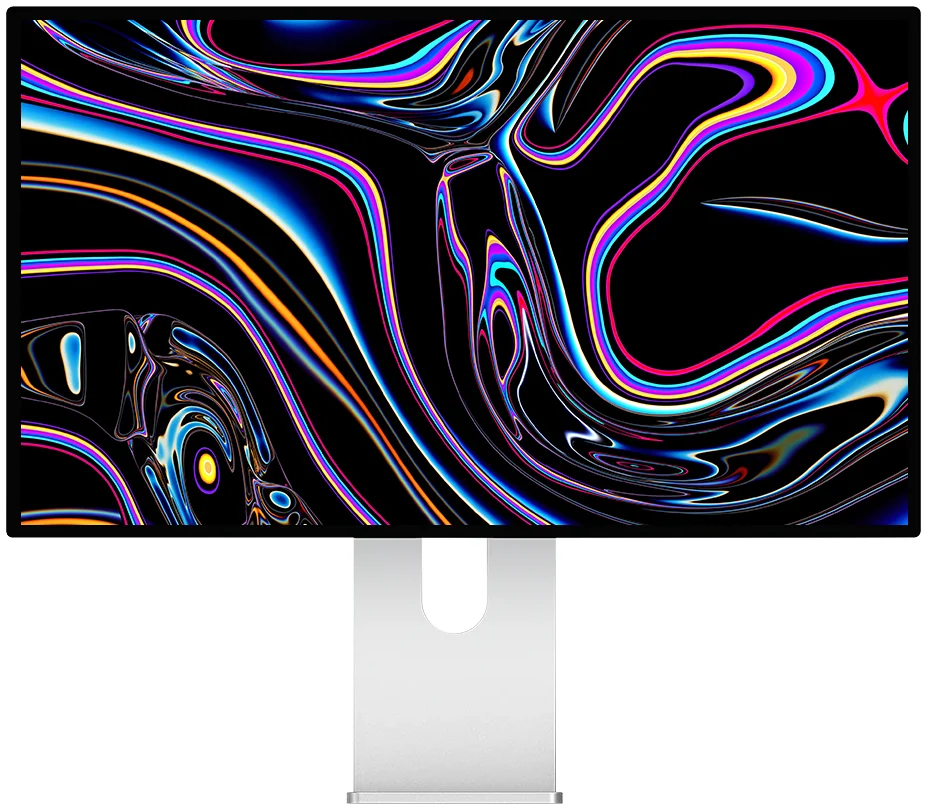
Kuycon G27P
5K · IPS Black · 75 Hz · HDR
From $HK8,589.90 incl. VAT
- Resolution5120 × 2880
- Density218 ppi
- PanelIPS Black, HDR
- Contrast2000:1
- Brightness600 nits
- Refresh75 Hz
Why we pick it: the same 5K sharpness as the Studio Display, plus HDR, a 2000:1 IPS Black panel and a little extra refresh headroom — for roughly half the price.
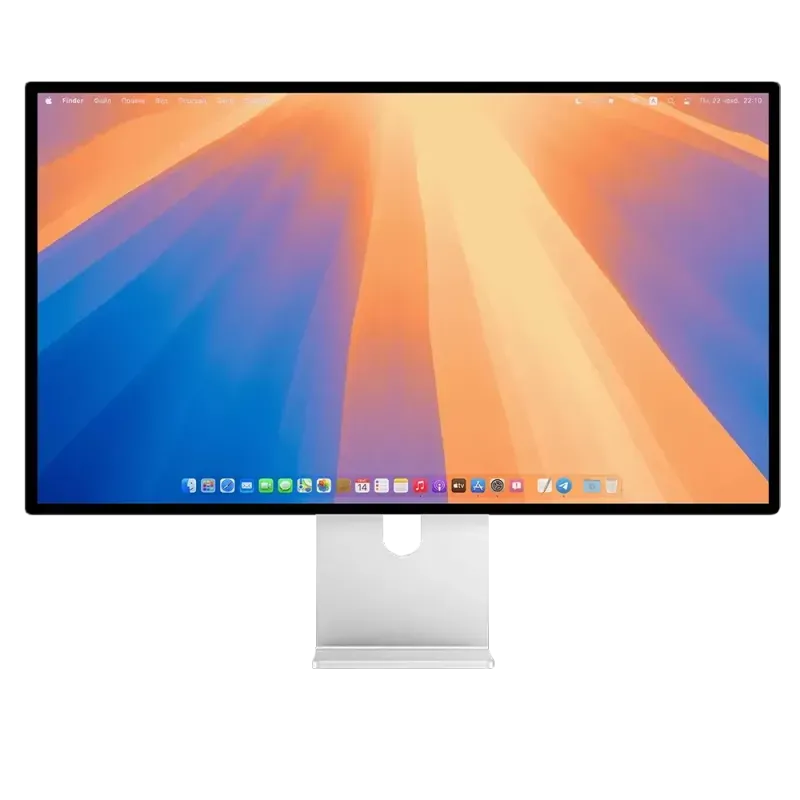
Kuycon G27X SE
5K · glossy · 60 Hz
From $HK8,376.49 incl. VAT
- Resolution5120 × 2880
- Density218 ppi
- PanelIPS, glossy
- Contrast2000:1
- Brightness450 nits
- Refresh60 Hz
Why we pick it: the spec-for-spec closest thing to the Studio Display — 27" 5K, 60 Hz, glossy finish — if you want the Apple look and feel without the Apple invoice.
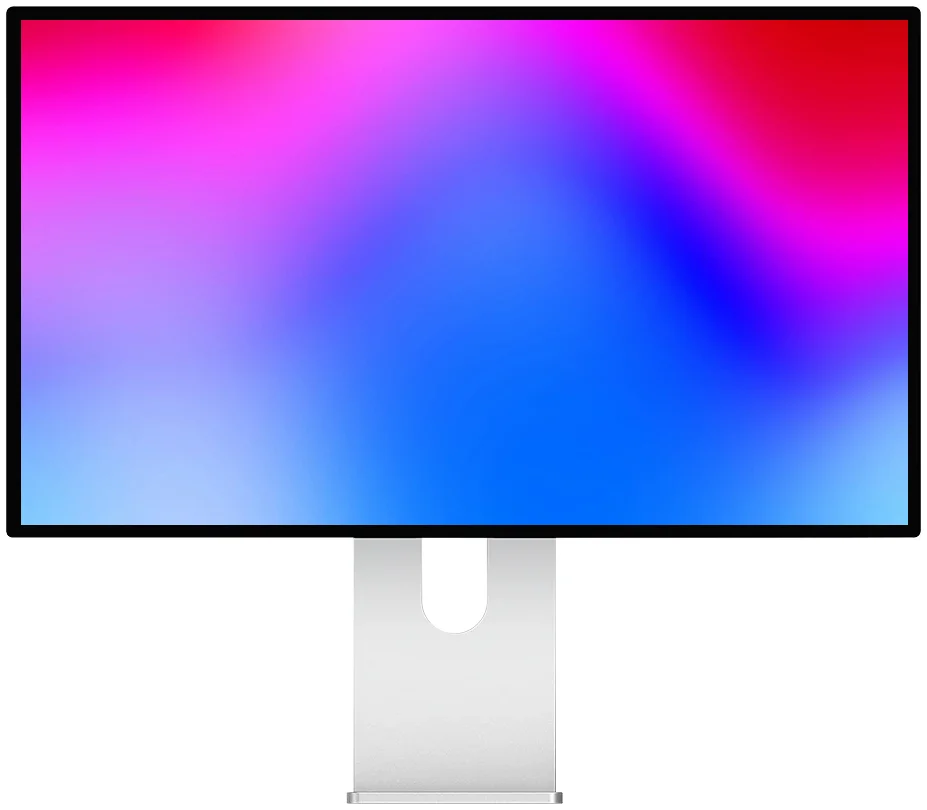
Kuycon P27Z
5K · up to 330 Hz
From $HK9,779.90 incl. VAT
- Resolution5120 × 2880
- Density218 ppi
- PanelIPS, glossy
- Contrast1500:1
- Brightness600 nits
- Refresh180–330 Hz
Why we pick it: the only 5K here that also runs at high refresh. Retina-sharp for design and photo work, then buttery-smooth for motion and gaming — something no Apple display offers.
Head to head
Kuycon 5K vs Apple Studio Display
The Studio Display is the 5K everyone compares to. Here is how the three Kuycon models stack up on the numbers that matter for a Mac.
| Kuycon G27P | Kuycon G27X SE | Kuycon P27Z | Apple Studio Displayreference | |
|---|---|---|---|---|
| Screen size | 27" | 27" | 27" | 27" |
| Resolution | 5120 × 2880 | 5120 × 2880 | 5120 × 2880 | 5120 × 2880 |
| Pixel density | 218 ppi | 218 ppi | 218 ppi | 218 ppi |
| Refresh rate | 75 Hz | 60 Hz | 180–330 Hz | 60 Hz |
| HDR | Yes | No | Yes | No |
| Brightness | 600 nits | 450 nits | 600 nits | 600 nits |
| Camera & speakers | No | No | No | Yes |
| Stand included | Optional | Yes | Optional | Tilt (height +€460) |
| Starting price | $HK8,589.90 | $HK8,376.49 | $HK9,779.90 | €1,749 |
Prices incl. VAT and refresh with your region’s currency. Apple figures are the manufacturer’s published specifications, shown for comparison only.
What is a 5K monitor, and why does it matter on a Mac?
“5K” means 5120 × 2880 pixels — 14.7 million in total, exactly double the width of a 2560-wide QHD screen. On a 27-inch panel that works out to 218 pixels per inch, the density macOS treats as “Retina”. At 218 ppi macOS renders everything with true 2× (HiDPI) scaling: text has crisp edges, UI elements are pin-sharp, and there is none of the softness you get from running a 27" 4K screen at a non-native scale.
This is why a 27" 5K panel is the sweet spot for Mac users — and why Apple chose exactly this resolution for both the iMac and the Studio Display. Match that resolution and density, and you match the core of the Mac desktop experience.
The Apple Studio Display alternative
The Studio Display is an excellent 27" 5K monitor, but it starts at €1,749 — and the height-adjustable stand adds €460 on top. Its extras are a built-in 12 MP webcam, a six-speaker sound system and three microphones, all tuned for the Apple ecosystem.
The Kuycon G27P, G27X SE and P27Z match the part most buyers actually care about — the 27" 5K panel at 218 ppi — while costing hundreds of euros less. The trade-off is that they are display-only: no built-in camera, mic or speakers. If you already have a webcam and audio (most people do), that is money saved rather than a feature lost. And two of the three add things Apple does not offer at all: HDR, and on the P27Z, high refresh. For the full breakdown against Apple, see the Studio Display vs Kuycon G27P comparison.
Which 5K Kuycon should you choose?
- G27P — the best all-rounder. 5K with HDR, a 2000:1 IPS Black panel and a bit more refresh than Apple, at the lowest price of the three. Start here if you are unsure.
- G27X SE — the closest match to the Studio Display: 27" 5K, 60 Hz, glossy. The right pick if you specifically want the Apple-style look and feel.
- P27Z — for creators who also game or edit motion. It keeps the 5K Retina sharpness and adds 180–330 Hz refresh, which no Apple display can do.
Want a bigger 5K canvas?
If a 27-inch screen feels tight, Kuycon also makes 40-inch 5K ultrawide displays — the P40U and the 120 Hz P40K — which give you a 5120 × 2160 workspace, like two screens side by side without the bezel down the middle.
Which Macs work with a 5K display?
Every Apple-silicon Mac (M1 and later) and iPad Pro drives a 5K panel at full resolution over a single USB-C / Thunderbolt cable. Intel Macs going back to 2017–2019 also support 5K, depending on the model. In every case macOS enables HiDPI scaling automatically and lets you adjust the monitor’s brightness from the Mac keyboard, just like an Apple display.
FAQ
5K monitors for Mac: common questions
What is the best alternative to the Apple Studio Display?
For most people the Kuycon G27P: it matches the Studio Display’s 27" 5K panel at 218 ppi, adds HDR and a slightly higher refresh rate, and costs around €940 — roughly half the price. If you want the closest like-for-like match, the G27X SE mirrors the Studio Display’s 60 Hz glossy setup.
Is a 5K monitor better than 4K for a Mac?
On a 27-inch screen, yes. A 27" 4K panel is about 163 ppi, so macOS has to scale non-natively and text looks slightly soft. A 27" 5K panel sits at 218 ppi, the density macOS renders as true Retina, so everything is razor-sharp. For text- and design-heavy work the difference is clearly visible.
Do these monitors have a webcam and speakers like the Studio Display?
No — the Kuycon 5K monitors are display-only, with no built-in camera, microphone or speakers. That keeps the price down and suits anyone who already has a webcam and audio. You get the same 5K image quality without paying for hardware you may not need.
Do they work with a MacBook and support HiDPI?
Yes. Any Apple-silicon MacBook (M1 and later) drives them at native 5K over one Thunderbolt / USB-C cable, macOS turns on 2× HiDPI scaling automatically, and you control brightness from the Mac keyboard just like an Apple display.
Ready for 5K on your Mac?
Every Kuycon 5K monitor comes with a 2-year warranty in the European Union, plus EU-based delivery and after-sales. Get the Studio Display’s resolution — and more — for a lot less.
Shop all Kuycon monitorsComparison written in August 2026. Competitor specifications and prices are the manufacturer's published figures at that date, shown for comparison and subject to change; check current details before purchase. Kuycon prices are shown in your currency.