


Kuycon W34KB
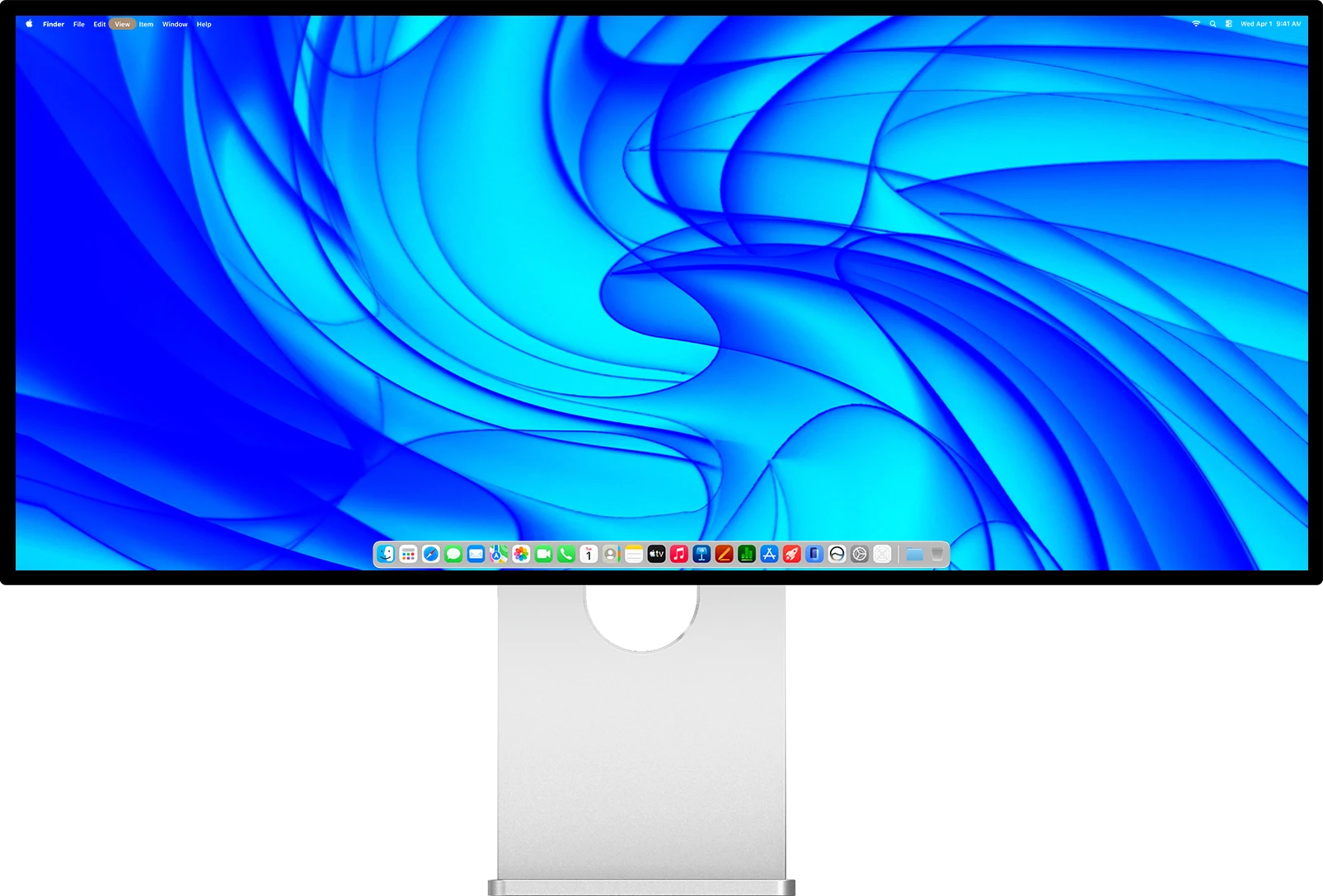
A 34-inch 21:9 ultrawide
5K2K resolution, 5120 x 2160
Up to 180 Hz at full resolution
Or 360 Hz in WFHD for esports
1 ms GtG response time
163 PPI, text as sharp as a 5K desktop
A Fast HVA panel, 3300:1 contrast, HDR 600
Over a billion colors, 98 % DCI-P3
One USB-C cable, 100 W of power
Housed in CNC aluminium and glass
21:9 ultrawide
One screen, the width of two.
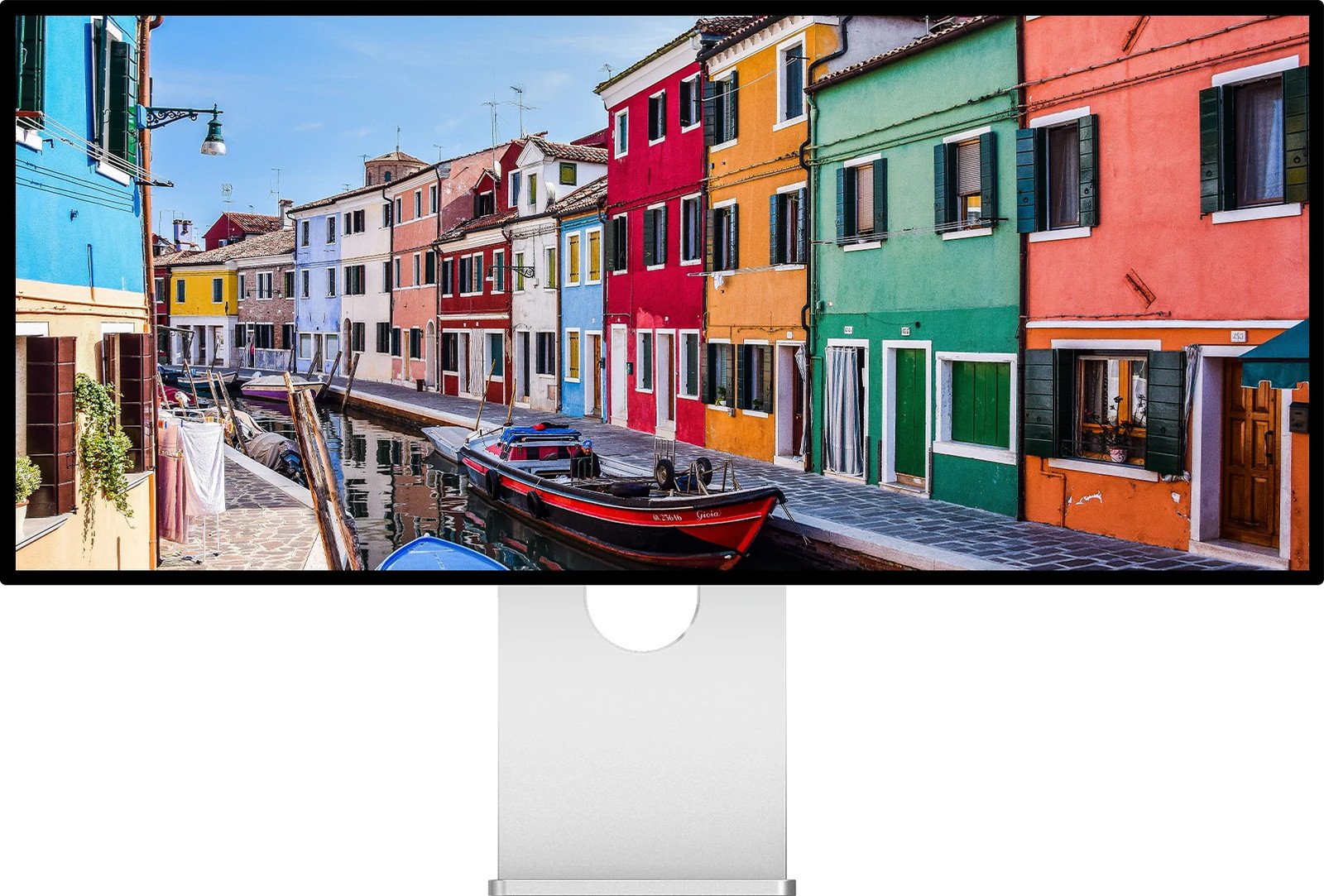
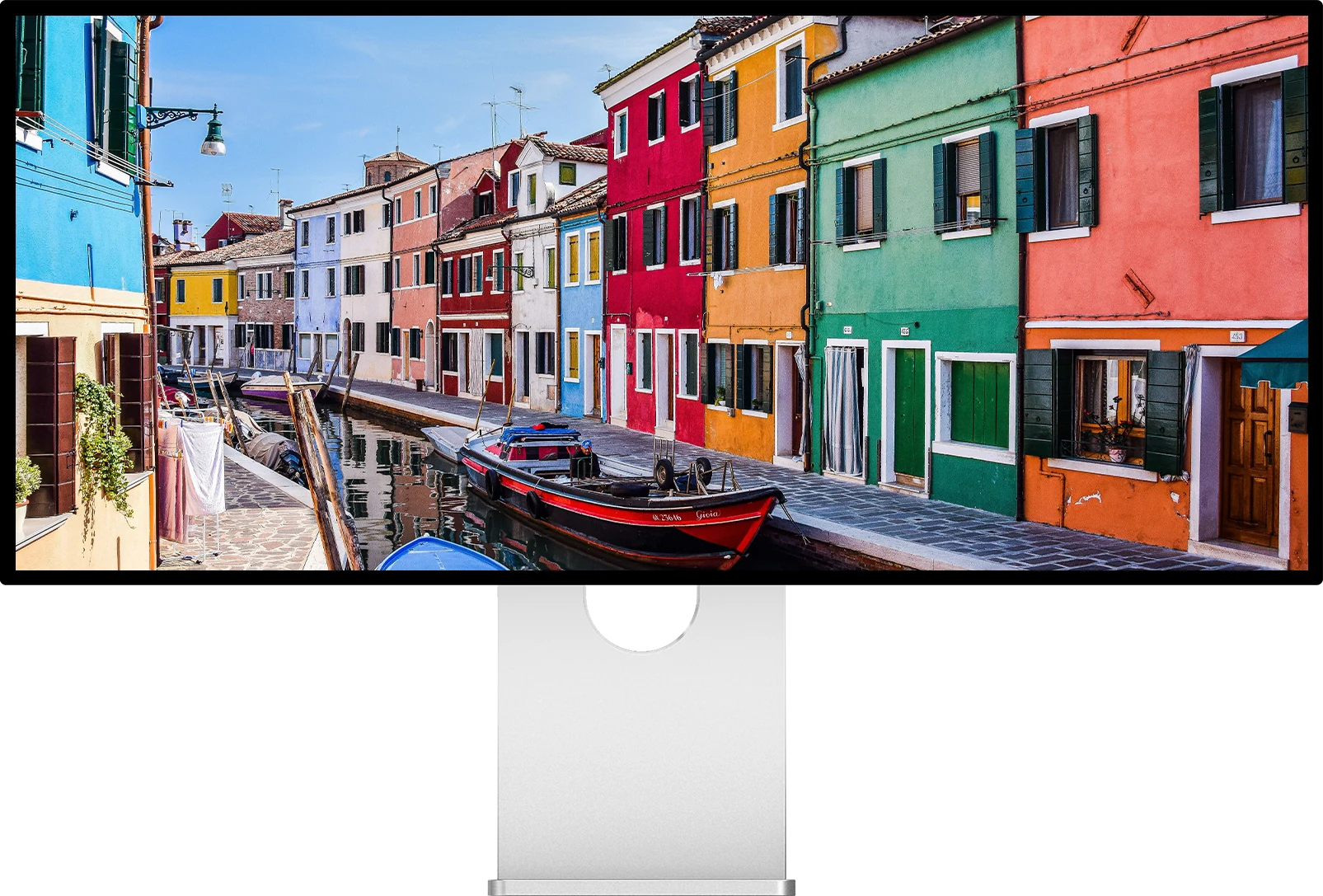
5120 pixels across give you 1280 more than a 4K display, at the same height. A timeline, a code editor next to its documentation, a spreadsheet that finally shows every column, all without the bezel running down the middle of your desk.
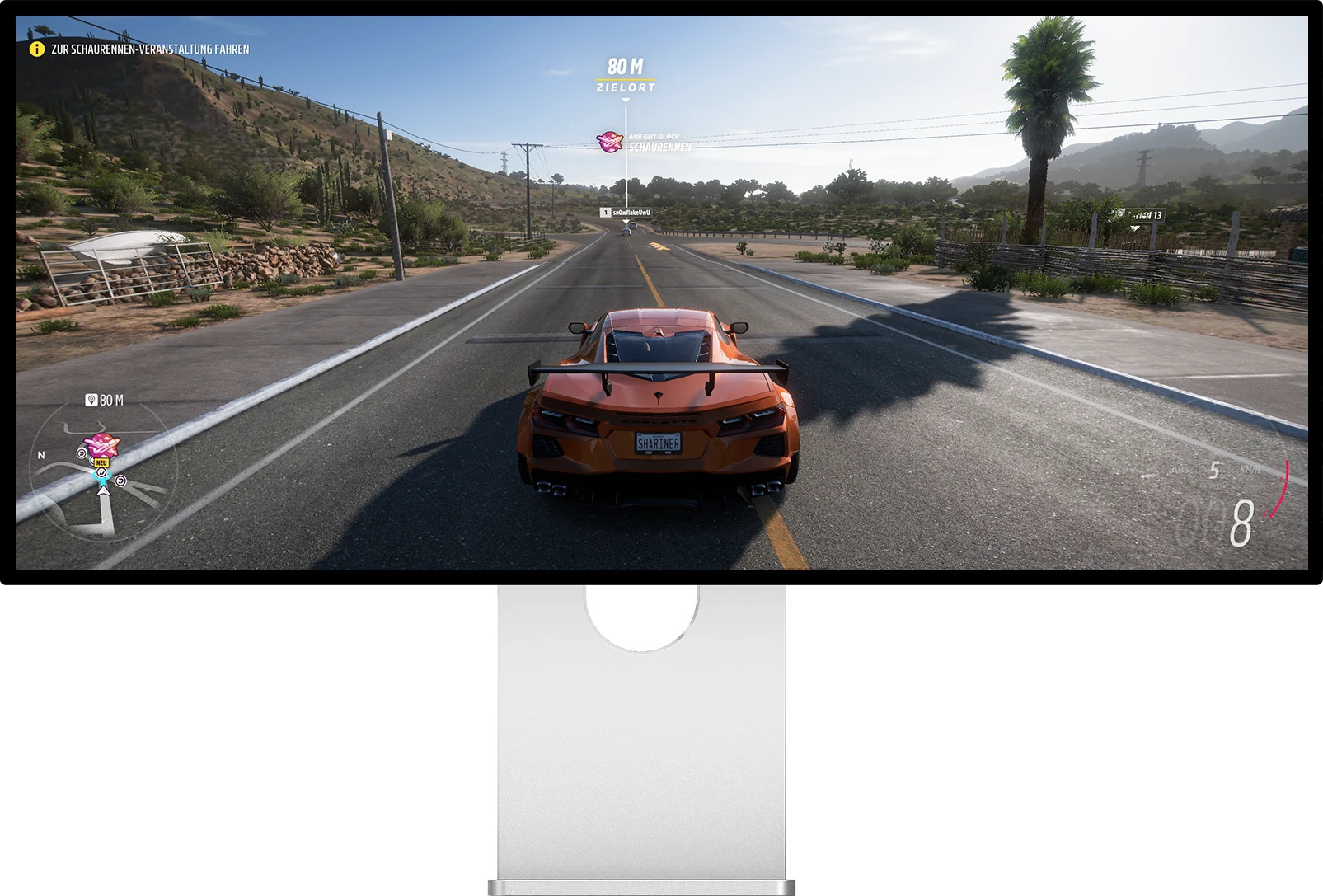
1280 pixels more than a 4K display, at the same height. In a game the peripheral vision comes back; at work it is a third window.
Everyday work
Three windows, no compromise.
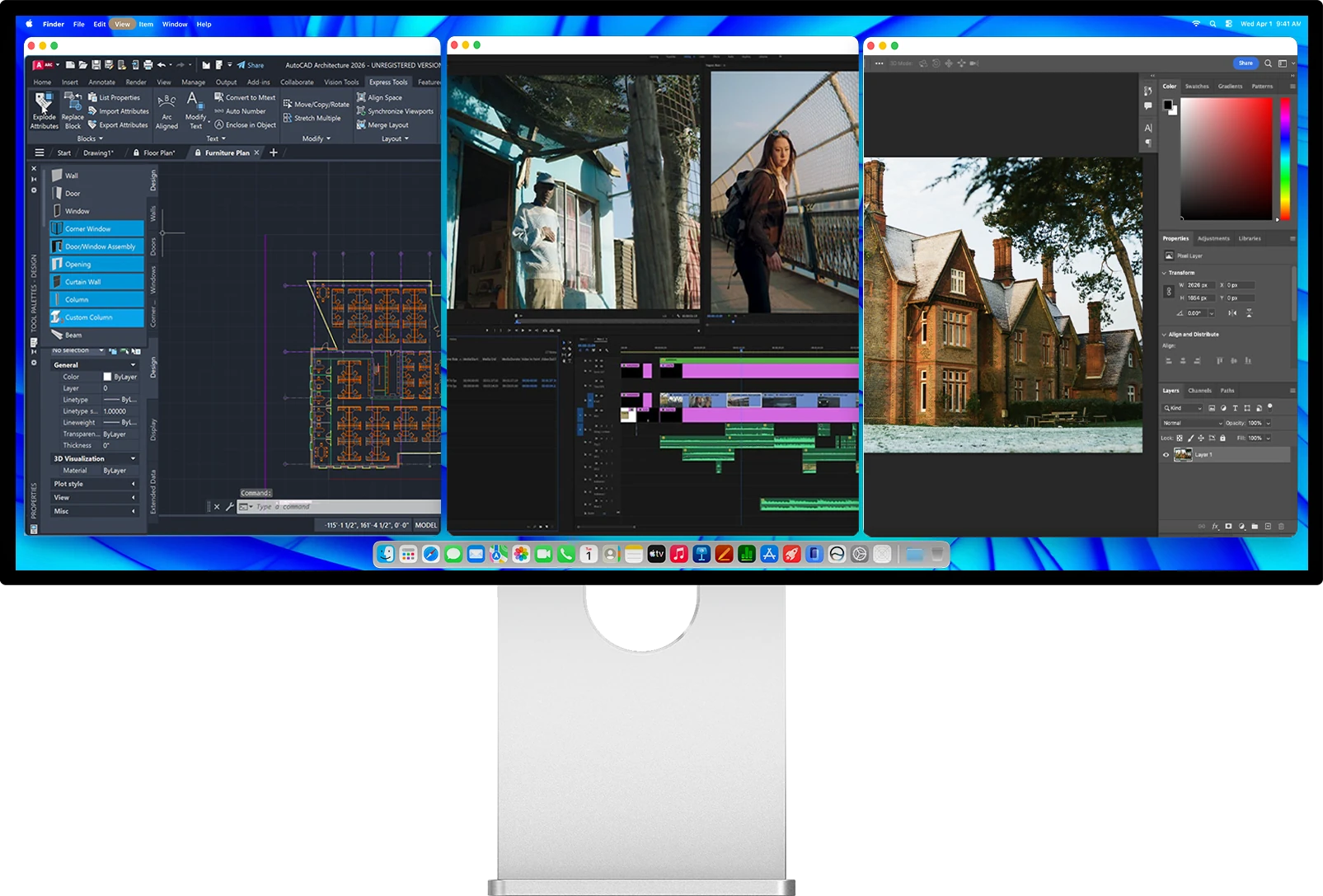
5120 pixels of width mean three full applications sit side by side, each with room to work. A CAD drawing, a video timeline and a retouching session, open at the same time, on one panel, with no bezel cutting through the middle.
An honest note on density: at 163 PPI the W34KB is not in the 218 PPI class of our 27-inch 5K displays. You trade some pixel density for a far wider canvas.
Dual refresh mode
One switch. Two experiences.
Work and play at native 5K2K up to 180 Hz. Switch to 2560 x 1080 up to 360 Hz when a competitive shooter demands every frame. Both modes share the same panel, and WFHD is exactly half of the native grid on each axis, so pixels line up with no blur. You switch from the on-screen menu or from the IR remote in the box.
180 Hz
5120 x 2160
Native 5K2K
Maximum detail with fluid motion
360 Hz
2560 x 1080
WFHD esports
Maximum responsiveness for competitive play
1 ms GtG response time·AMD FreeSync & NVIDIA G-Sync Compatible·Low Blue Light
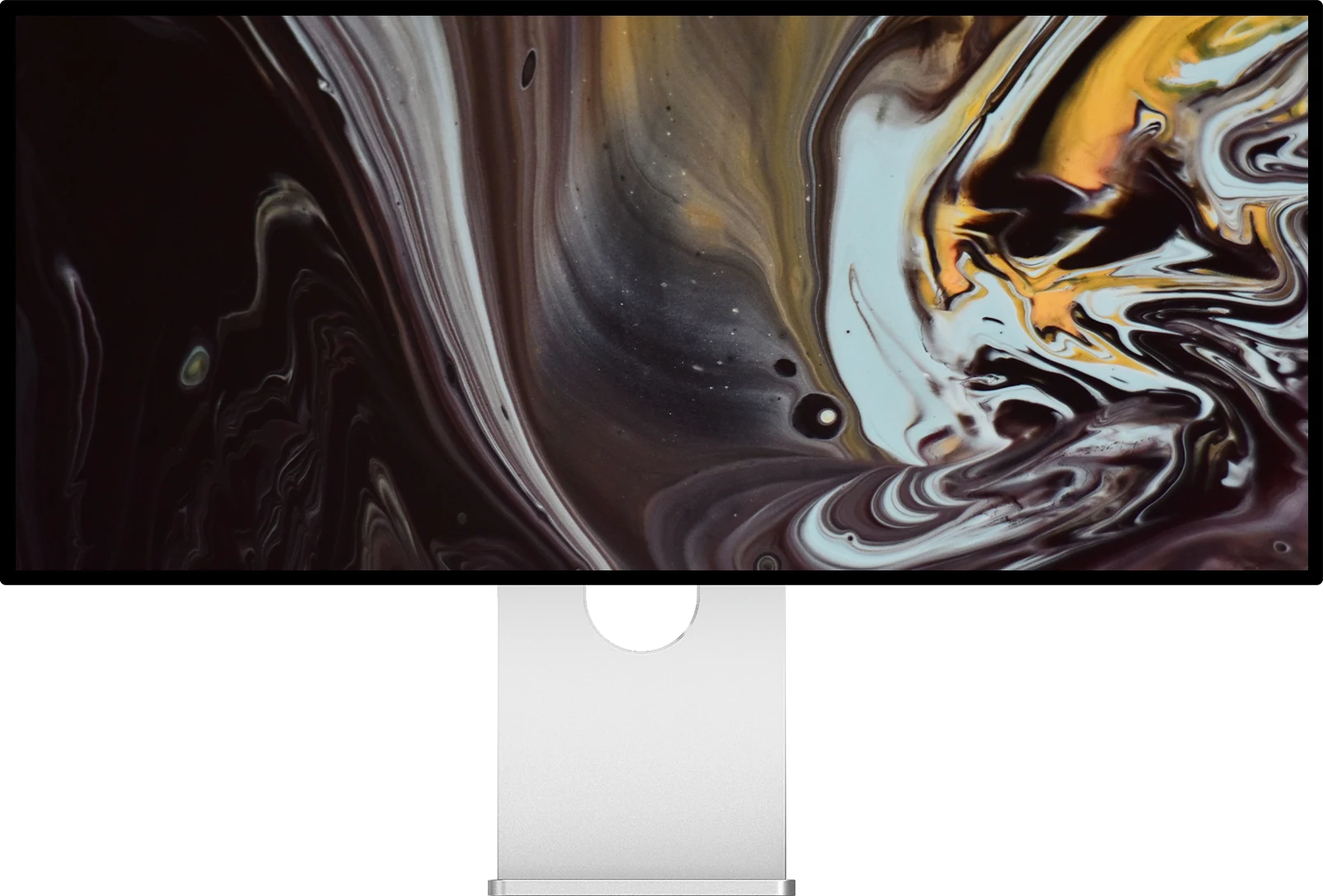
Contrast is the difference between the brightest and the darkest part of an image, and it is what makes a night scene readable instead of grey. With a new-generation Fast HVA panel behind high-transmittance glass, the Kuycon W34KB takes brightness, contrast and color to a new level.
Brightness and contrast
Deep blacks, by panel design.
Where a typical desktop panel washes dark scenes into grey, the Fast HVA panel of the W34KB holds 3300:1 native contrast, more than three times a standard IPS, so shadows keep their depth across the full width of the screen. It pairs that with 450 nits held over the whole surface and VESA DisplayHDR 600 certification, and HDR10 activates automatically on compatible content.
3300:1
Native contrast
450 nits
Full-screen brightness
HDR 600
VESA certified
Color accuracy
A billion colors, faithfully reproduced.
Every Kuycon W34KB leaves the factory with its own color report. A 10-bit panel renders 1.07 billion colors, the gamut covers 99 % of sRGB and 98 % of DCI-P3, and the measured Delta-E stays below 2. Every gamut mode in the on-screen menu is calibrated, so sRGB work stays exactly in sRGB, and dedicated M-BOOK and grayscale modes are one switch away.
10-bit
1.07 billion colors
98 %
DCI-P3, 99 % sRGB
ΔE < 2
Factory calibrated
Two backs, one display
Perforated back, with sound included.
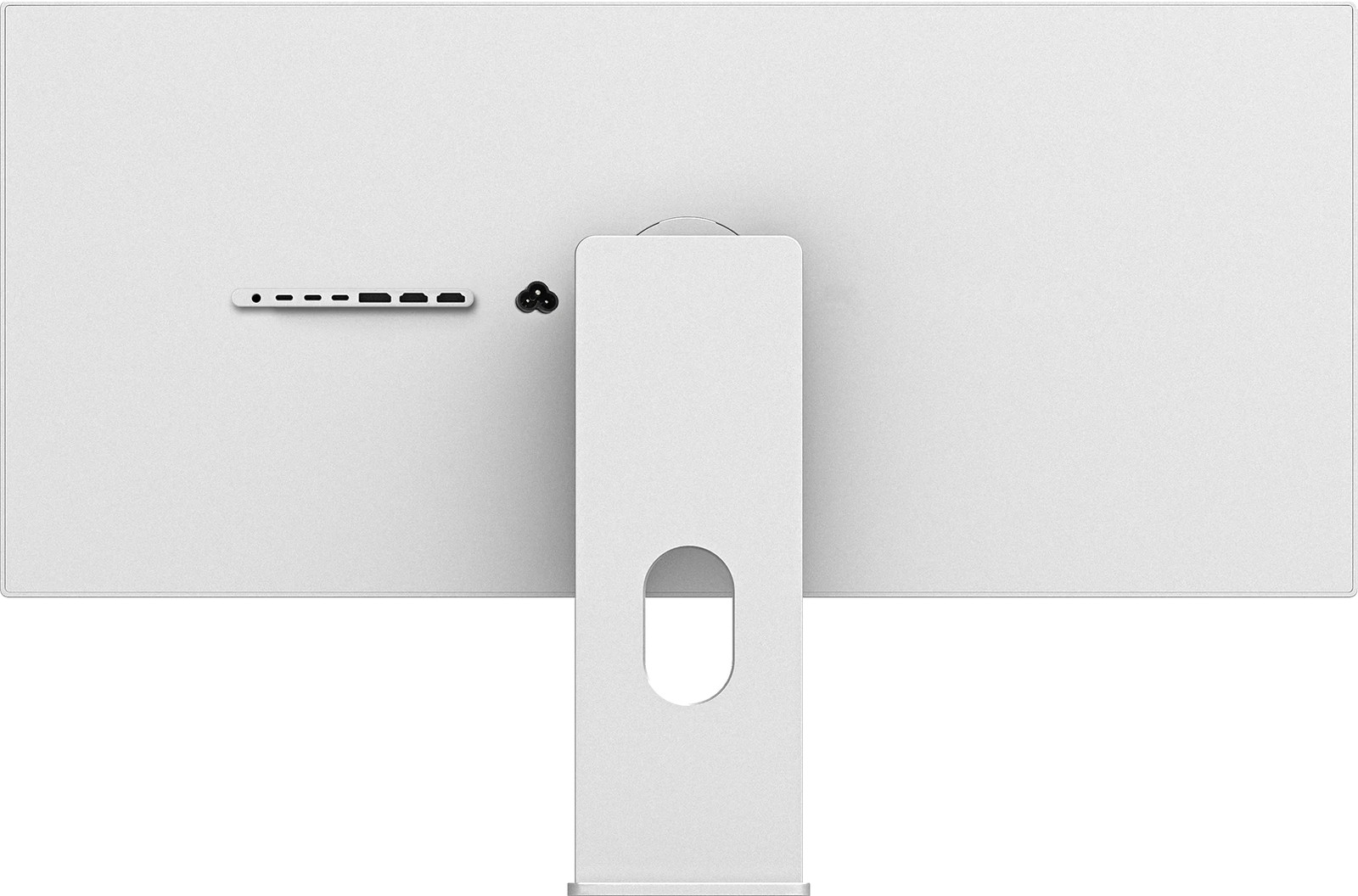
The rear panel comes in two designs. The standard back keeps the silhouette clean and minimal. The perforated back adds a machined grille and built-in speakers, so you can leave the desk speakers out of the setup entirely. Same panel, same ports, same 22 mm profile.
- Standard back, clean and minimal
- Perforated back, built-in speakers
- 6063 aluminium, CNC-machined, sandblasted and anodised
- High-transmittance glass front, glossy finish
- 22 mm thin, 6.55 kg body, 820 x 356 x 22 mm
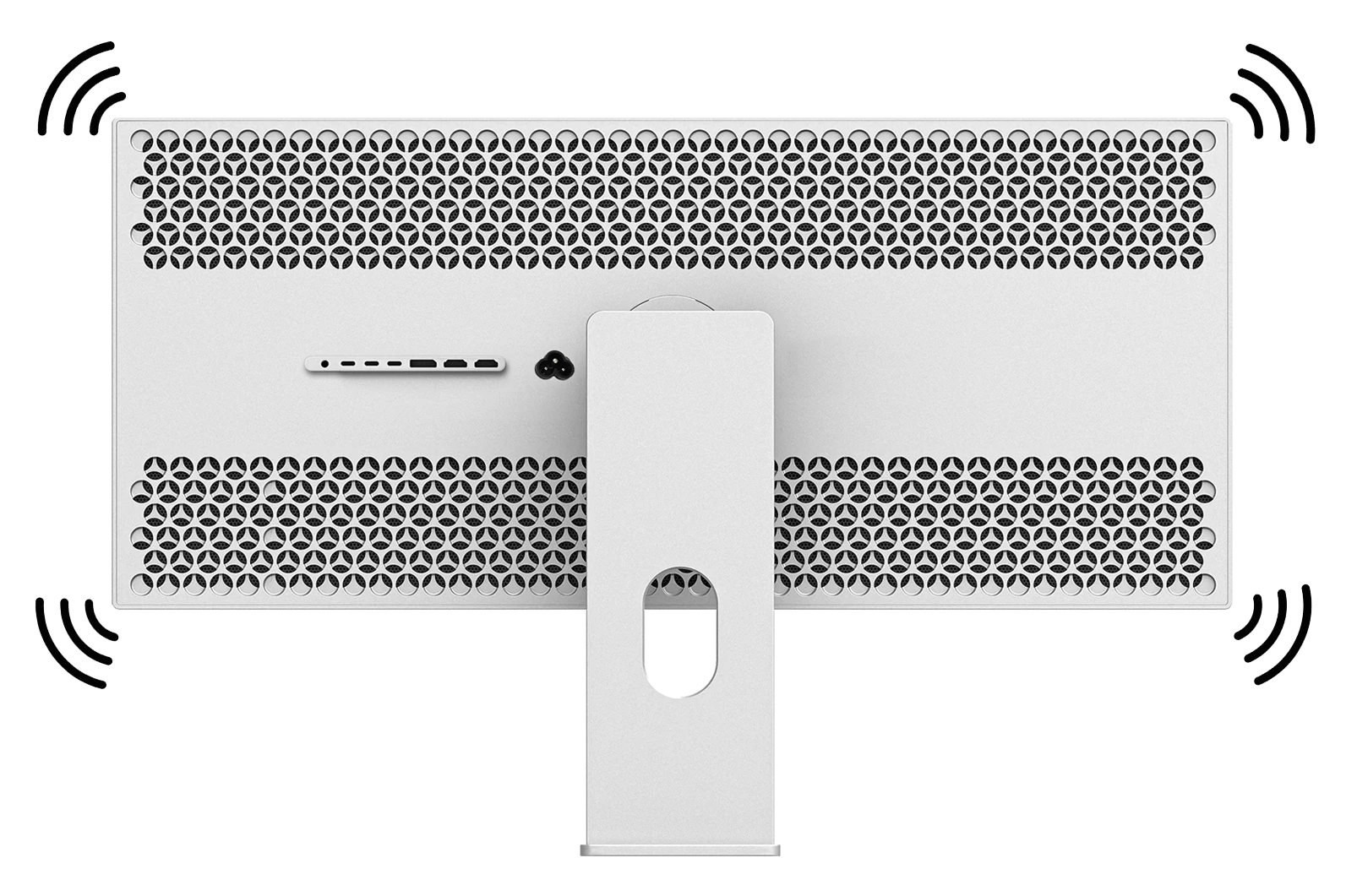
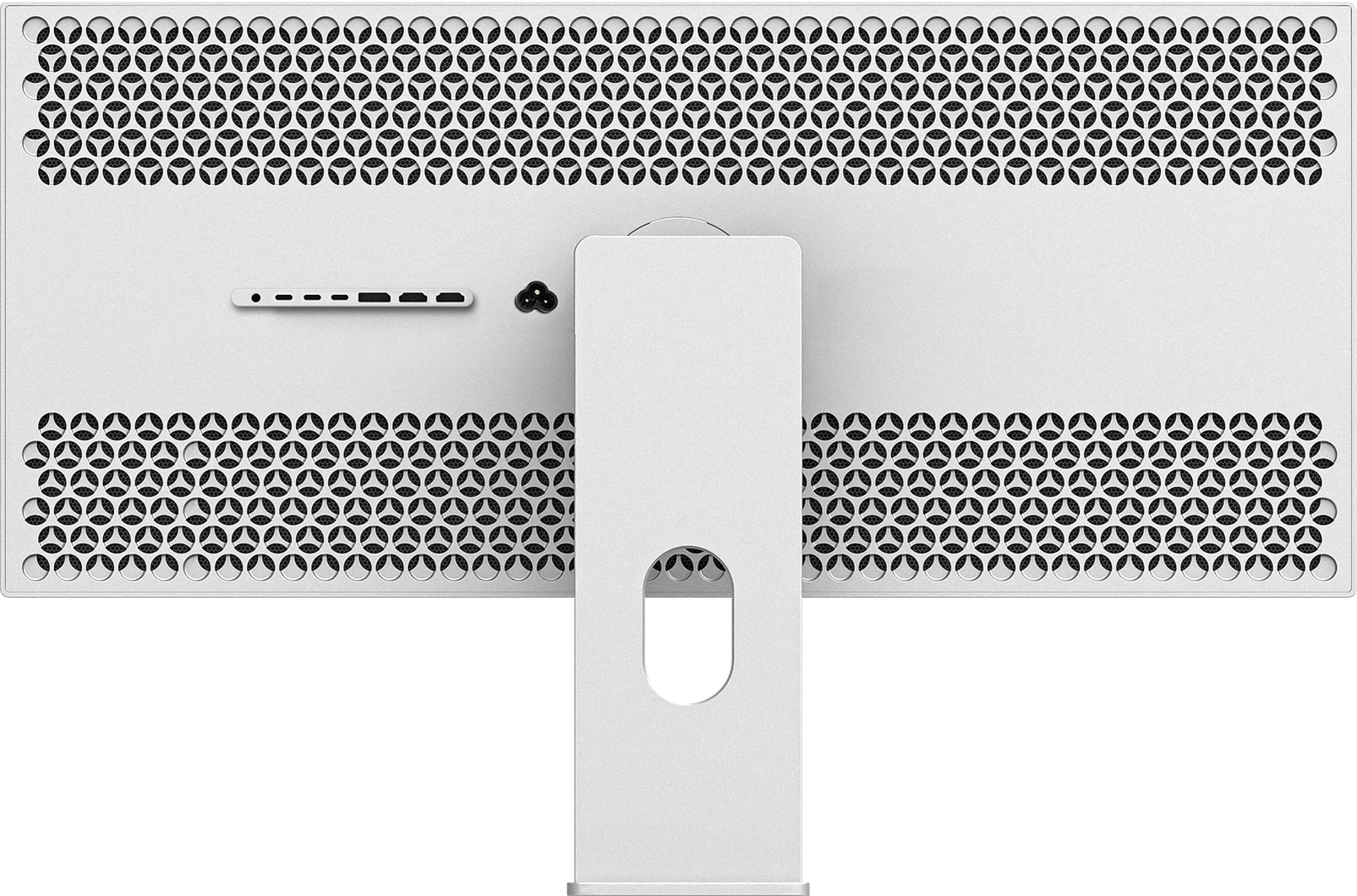
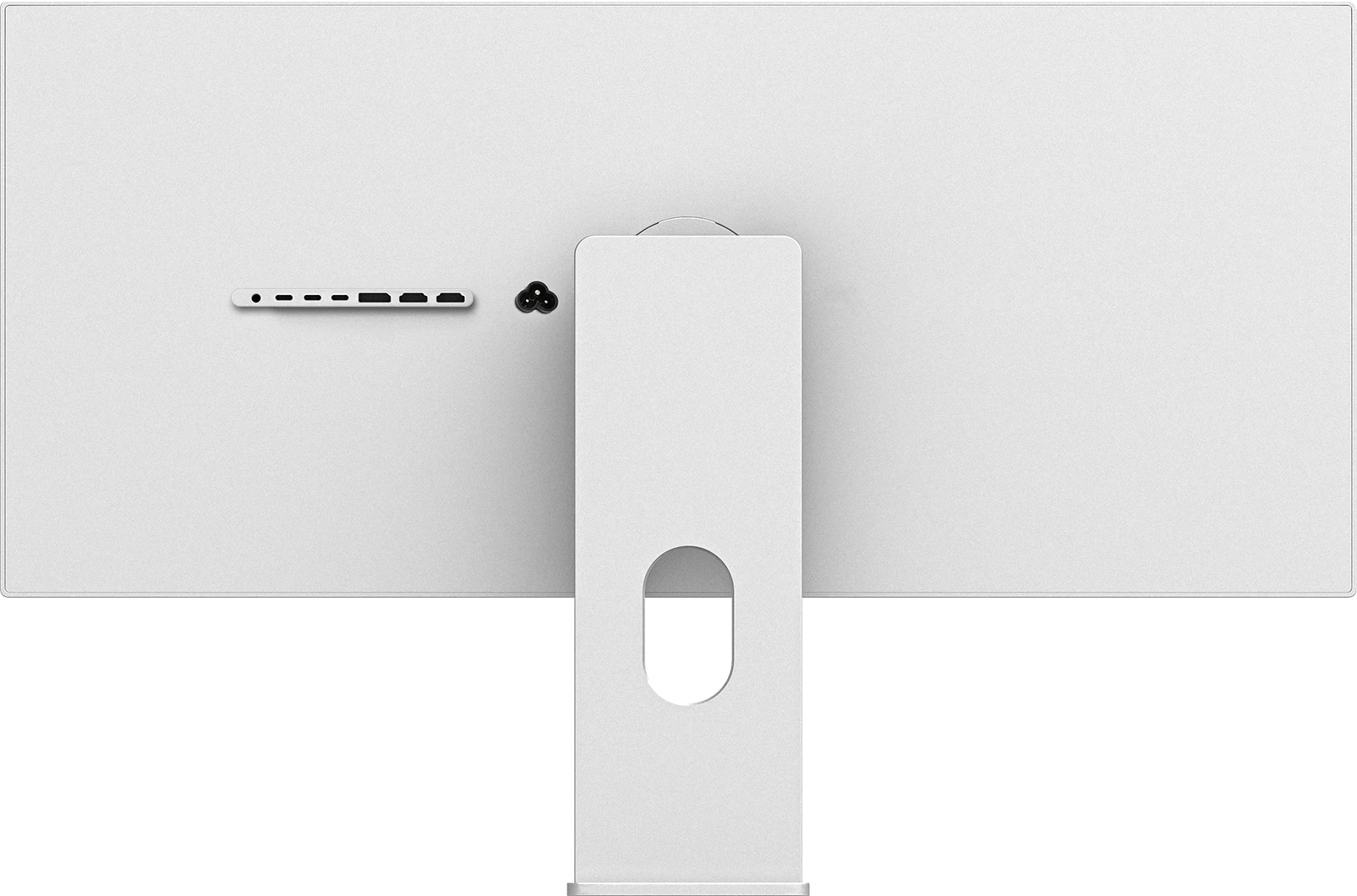
Drag the handle left or right to compare the two rear panels. Both share the same VESA 100 x 100 mount and the same 22 mm body.
Connectivity
Every input you want, no adapter required.
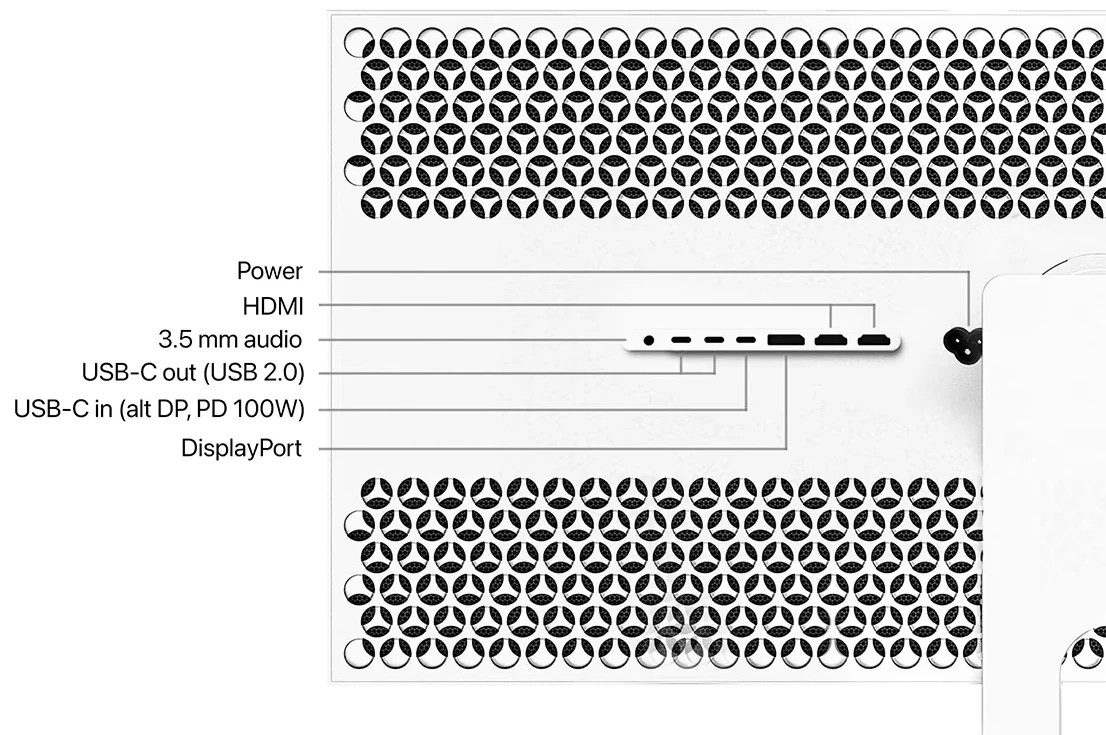
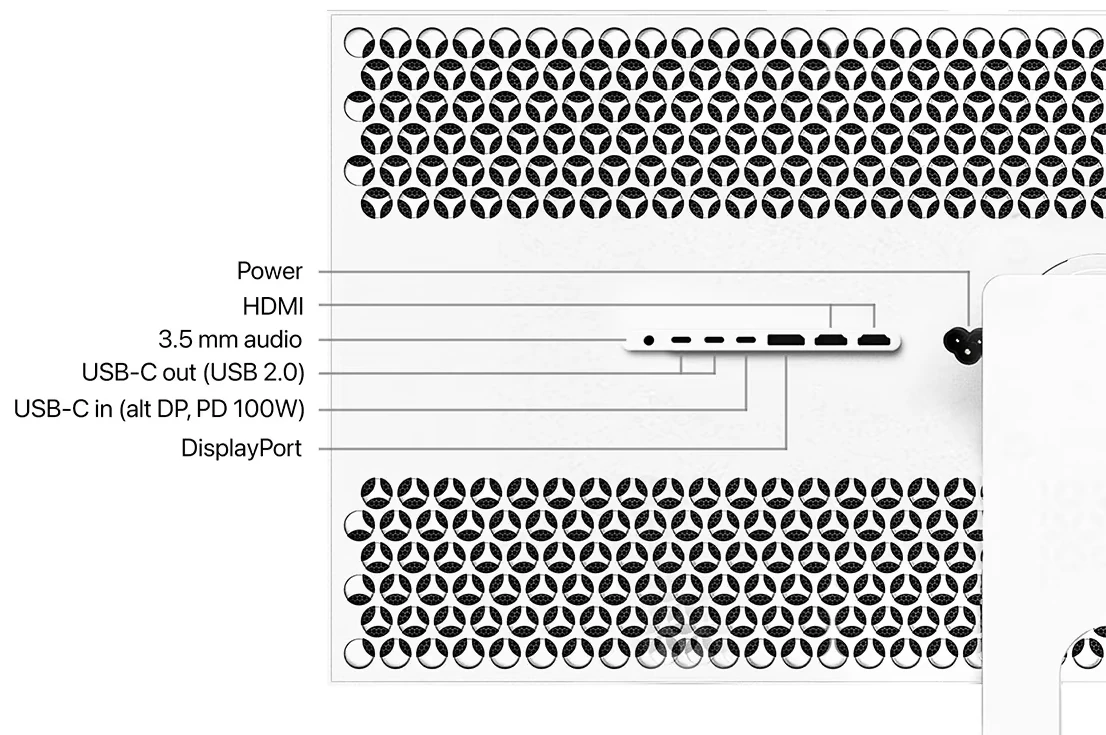
One upstream USB-C at 40 Gbps carries 5K2K video, USB data and up to 100 W of Power Delivery, compatible with Thunderbolt 4 / 5 and USB4, so a single cable drives the display and charges your laptop at the same time. Two HDMI 2.1 FRL ports at 48 Gbps and DisplayPort 1.4 with DSC cover consoles and desktop GPUs, two downstream USB-C ports handle your peripherals, and a 3.5 mm jack drives your headphones.
USB-C upstream40 Gbps, video, data, 100 W PD, Thunderbolt 4 / 5 and USB4
HDMI 2.1 x2FRL 48 Gbps, consoles and desktop GPUs
DisplayPort 1.4HBR3 with DSC, 5K2K at 180 Hz
USB-C downstream x2USB 2.0 data, 5V/2A, for peripherals
3.5 mm audioHeadphones or desk speakers
AC 100 to 240 VPower supply built in, no brick
Stand and mounting
Put it exactly where your eyes are.
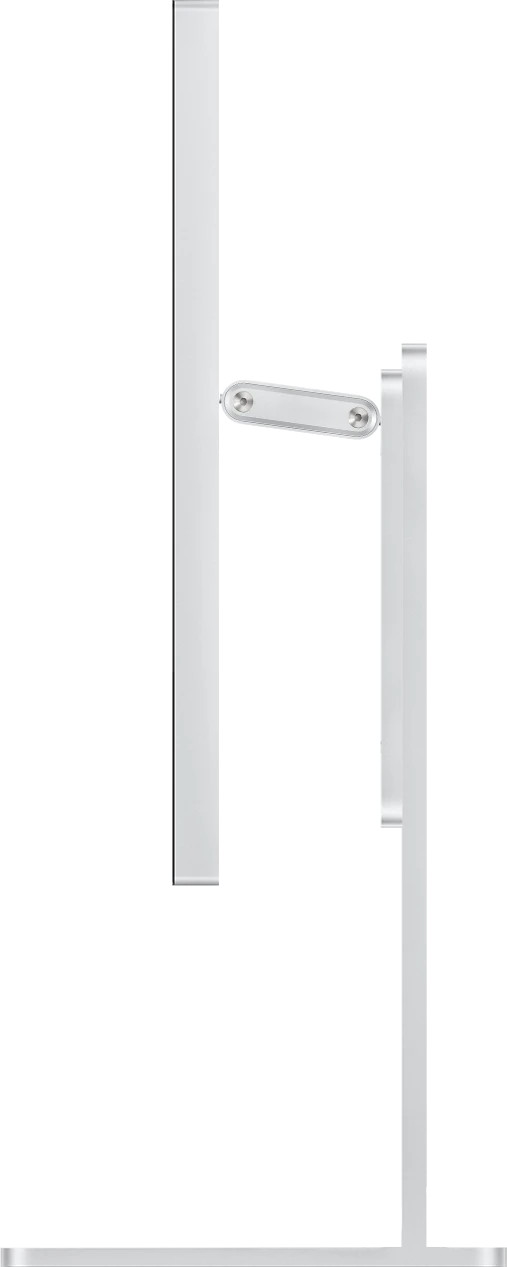
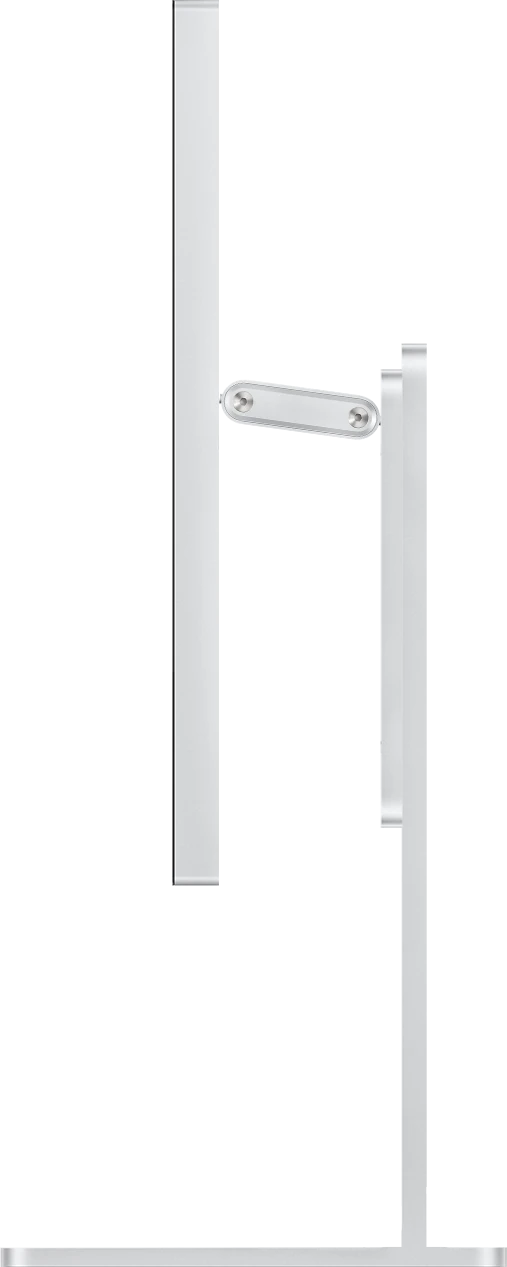
Underneath the W34KB sits a standard VESA 100 x 100 mount, so any compatible arm or wall bracket drops straight in. Add the Kuycon stand when you configure yours, for height adjustment and multi-angle rotation, or skip it entirely and use the arm you already own.
- VESA 100 x 100 mounting
- Height adjustment
- Multi-angle rotation
- Kuycon 34" stand optional
Brightness control
Adjust it from your keyboard.
The DDC/CI protocol lets your system drive brightness over the video cable, without reaching behind the panel. On Mac, the built-in F1 and F2 keys work natively; on Windows, TwinkleTray or MonitorControl; on Linux, ddcutil.
macOS, native F1/F2Windows, TwinkleTrayLinux, ddcutil
Kuycon W34KB
34" 5K2K · 21:9 · 180/360 Hz · HVA · HDR 600
from €1,119
Frequently asked questions
Your questions, answered.
What is the Kuycon W34KB?
The Kuycon W34KB is a 34-inch 21:9 ultrawide display with a new-generation Fast HVA 5K2K panel (5120 x 2160, 163 PPI) and a dual refresh mode: native 5K2K up to 180 Hz, or WFHD 2560 x 1080 at 360 Hz for esports. 1 ms GtG response, 450 nits of full-screen brightness, HDR 600, 3300:1 contrast, 10-bit color, 99 % sRGB and 98 % DCI-P3 with Delta-E below 2.
Which Macs are compatible?
Apple Silicon Macs over USB-C: one cable carries 5K2K video, USB data and 100 W of Power Delivery back to your MacBook, with proper HiDPI scaling, and the display switches and wakes quickly between several Macs. One honest note: at 163 PPI the W34KB is not in the 218 PPI density class of our 27-inch 5K displays. You trade some pixel density for a far wider canvas.
Does it work with Windows and Linux?
Yes, natively. On Windows, connect over DisplayPort 1.4 with DSC for 5K2K at 180 Hz, or over HDMI 2.1 FRL or USB-C / Thunderbolt; HDR needs Windows 10 version 1803 or later. On Linux the W34KB works out of the box under Wayland and X11, with brightness handled by ddcutil and no vendor driver to install.
What do I need to reach 5K2K at 180 Hz?
A GPU that outputs DisplayPort 1.4 with DSC (or DP 2.1), or HDMI 2.1 FRL at 48 Gbps. On NVIDIA that means Turing and newer (GTX 1650 up to RTX 5090); Maxwell and Pascal cannot. On AMD it means RDNA and newer (RX 5500 up to RX 9070 XT); Polaris and Vega cannot. Intel integrated graphics and Arc will drive the display but not at the full 5120 x 2160 at 180 Hz.
What ports does it have?
One USB-C upstream at 40 Gbps with DP Alt Mode and up to 100 W of Power Delivery, compatible with Thunderbolt 4 / 5 and USB4. Plus DisplayPort 1.4 (HBR3 with DSC), two HDMI 2.1 FRL 48 Gbps ports, two downstream USB-C ports (USB 2.0 data, 5V/2A) and a 3.5 mm audio jack. The power supply is built in, so there is no external brick.
Is the 360 Hz mode at full resolution?
No. 360 Hz runs at WFHD (2560 x 1080) on the same panel, exactly half of the native 5120 x 2160 grid on each axis, so pixels line up with no interpolation blur. You switch between modes from the on-screen menu or from the IR remote included in the box.
Does it have speakers?
Built-in speakers are fitted on the perforated back version only. The standard back has no speakers and uses the 3.5 mm output for headphones or desk speakers.
Is the stand included?
The W34KB mounts on a standard VESA 100 x 100 pattern, so any compatible arm or wall bracket drops straight in. The Kuycon stand is optional: add it when you configure your order for height adjustment and multi-angle rotation.
Glossy or matte?
Glossy. The W34KB is finished in high-transmittance glass, for the deepest blacks and the most accurate color. If you prefer a matte surface, see the Kuycon G32X or G32P.
Is this the successor to the G34W?
Yes. The W34KB keeps the 34-inch 5K2K ultrawide canvas of the discontinued G34W and rebuilds everything around it. The G34W's Nano IPS panel topped out at 60 Hz, where the W34KB's Fast HVA runs dual-mode 180 / 360 Hz with 3300:1 contrast, adds HDR 600, and drives a Mac over a single USB-C cable with 100 W charging.
Does it need an external power brick?
No. The power supply is built into the 22 mm body, so one AC cable is all you need. The box also includes an IR remote for the on-screen controls, DisplayPort, HDMI and USB-C cables, and two USB-C OTG adapters.
Is the display factory calibrated?
Yes. Every W34KB leaves the factory with its own color report covering 99 % sRGB and 98 % DCI-P3 at 10-bit depth (1.07 billion colors), measured to a Delta-E below 2. Every gamut mode in the on-screen menu is calibrated, so switching between sRGB, DCI-P3, M-BOOK and grayscale keeps color accurate.
Does it support HDR?
The W34KB is an HDR 600 panel and supports HDR10 over HDMI, DisplayPort and USB-C. It holds 450 nits across the full screen with 3300:1 native contrast. HDR is automatic out of the box and can be switched off in the menu; the screen goes black for a second or two when it changes mode, which is normal.
Is it good for gaming?
Yes. 180 Hz at full 5K2K or 360 Hz in WFHD, 1 ms GtG response, AMD FreeSync and NVIDIA G-Sync Compatible adaptive sync for tear-free play, and Low Blue Light for long sessions. On consoles, a PlayStation 5 or an Xbox Series X/S connects over HDMI for 4K at 60 Hz with HDR: consoles do not output the panel's native 5120 x 2160.
What is the display made of?
The chassis is 6063 aluminium alloy, CNC-machined, sandblasted to a 180-mesh finish and anodised, and the front is a single sheet of high-transmittance glass. The rear panel comes in two designs, standard and perforated, the perforated one being the version with the built-in speakers. The body measures 820 x 356 x 22 mm and weighs 6.55 kg.
How do the warranty and returns work?
The W34KB is covered by a one-year limited warranty. Returns for covered defects are accepted within 7 days of delivery; beyond that, the unit is repaired or replaced under warranty for the remainder of the first year.
Du kan også lide
Customer reviews
Der er ingen kundeanmeldelser endnu.
Frequently asked questions
Fungerer Kuycon-skærme med Mac?
Ja. Hver Kuycon-skærm sluttes til Mac via USB-C / Thunderbolt med ét enkelt kabel, der samtidig oplader din MacBook, og viser den native Retina-opløsning på macOS, Windows og Linux.
Hvilken garanti tilbyder I i Europa?
Alle Kuycon-skærme leveres med 24 måneders garanti, der gælder i hele EU og håndteres af vores EU-supportteam. Defekte enheder repareres eller ombyttes uden omkostninger i denne periode.
Hvor lang tid tager leveringen?
Ordrer sendes fra vores EU-lager med levering på 2 til 5 hverdage, skatter og told inkluderet (DDP). Du modtager et sporingslink, så snart din ordre er afsendt.
Kan jeg returnere min skærm?
Ja. Du har 14 dage fra levering til at returnere din skærm og få fuld refusion i henhold til EU's forbrugerlovgivning. Varen skal returneres i den komplette originale emballage.
Er skatter og told inkluderet i prisen?
Ja. Priser for EU-kunder leveres fortoldet (DDP): moms og eventuelle toldgebyrer er allerede inkluderet, så der er intet ekstra at betale ved levering.