
Buying guide · Updated 2026
High refresh rates, without giving up resolution
Most gaming monitors force a choice: speed or image detail. The Kuycon range tackles the problem from the other end — native 5K at 180 Hz, 4K QD-OLED at 240 Hz, 21:9 in 5120 × 2160 at 120 Hz. Here is how to choose based on your graphics card and the games you play.
Our selection
Three monitors, three ways to play
A gaming monitor is chosen first by what your graphics card can actually drive. These three cover the three most common cases.
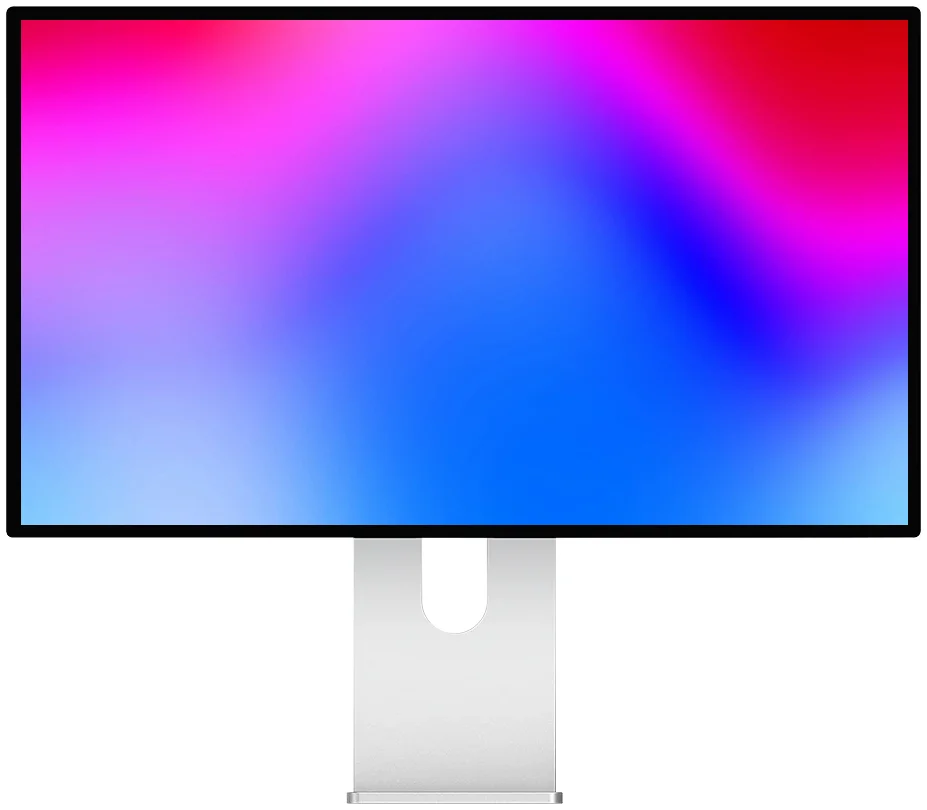
Kuycon P27Z
5K · 180 Hz · 330 Hz in QHD
From €1,069.00 incl. VAT
- Resolution5120 × 2880
- Density218 ppi
- Refresh rate180 Hz in 5K
- eSports mode330 Hz in QHD
- Response1 ms GtG
- HDRDisplayHDR 600
Why we recommend it: it is the only monitor in the range that makes you sacrifice nothing. 5K at 218 ppi for work and single-player games, then a switch to 2560 × 1440 at 330 Hz when you launch a competitive title. Two monitors in one.
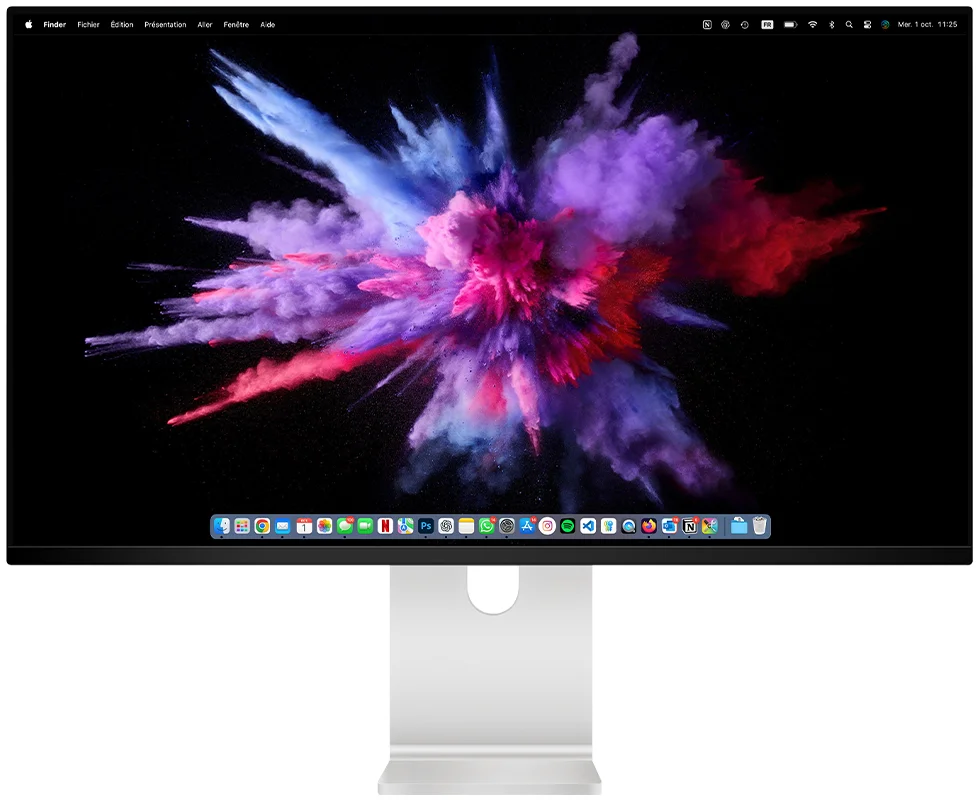
Kuycon Q32S
32" · QD-OLED · 4K 240 Hz
From €1,279.00 incl. VAT
- Resolution3840 × 2160
- PanelQD-OLED
- Refresh rate240 Hz
- Contrast1 500 000:1
- Peak brightnessup to 1000 nits
- Colour99 % DCI-P3
Why we recommend it: the perfect black of QD-OLED changes everything in dark games, and 4K at 240 Hz is still the top of the market today. Supplied with a remote control, it also makes an excellent living-room screen.
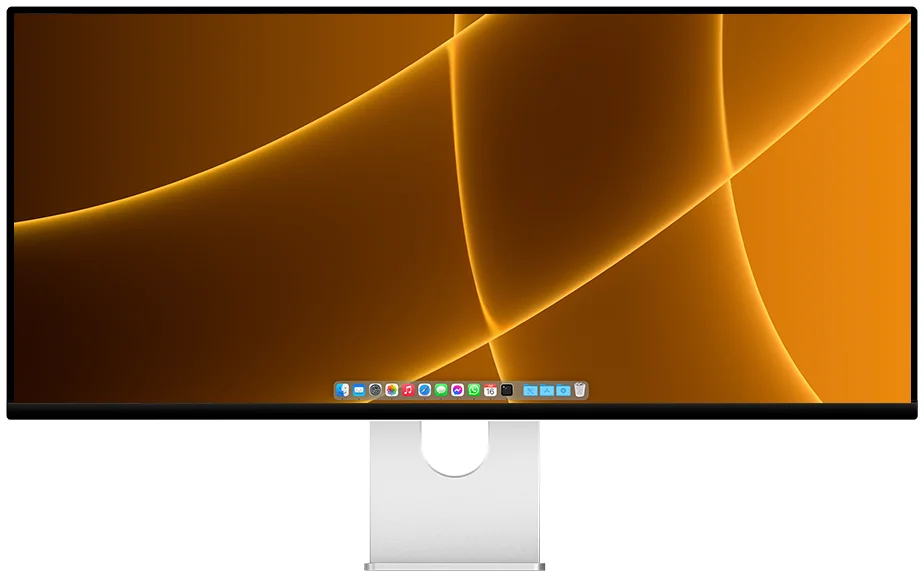
Kuycon P40K
40" · 21:9 · 5120 × 2160 · 120 Hz
From €1,279.00 incl. VAT
- Resolution5120 × 2160
- Density139 ppi
- PanelNano IPS
- Refresh rate120 Hz
- Colour98 % DCI-P3
- USB-C100 W
Why we recommend it: 40 inches in 21:9 is the width of two 27" panels without the black bar in the middle. In simulation, racing and strategy titles, the extra field of view matters more than the hertz.

New — Kuycon P27ZB
27" 4K (3840 × 2160) · 240 Hz (480 Hz FHD) · Nano IPS Black · 939 €
See the P27ZB ›Comparison
The six high-refresh Kuycon monitors
Every model above 120 Hz, from the most affordable to the fastest.
| Model | P27D27" 4K | P32K32" 4K | Q34W34" ultrawide | P40K40" 5K2K | Q32S32" QD-OLED | P27Z27" 5K |
|---|---|---|---|---|---|---|
| Resolution | 3840 × 2160 | 3840 × 2160 | 3440 × 1440 | 5120 × 2160 | 3840 × 2160 | 5120 × 2880 |
| Refresh rate | 144 Hz | 144 Hz | 165 Hz | 120 Hz | 240 Hz | 180 Hz (330 Hz QHD) |
| Panel | IPS | Fast IPS | Fast IPS | Nano IPS | QD-OLED | IPS |
| Density | 163 ppi | 139 ppi | 109 ppi | 139 ppi | 139 ppi | 218 ppi |
| Contrast | 1000:1 | 1000:1 | 1000:1 | 1300:1 | 1 500 000:1 | 1500:1 |
| Brightness | 500 nits | 500 nits | 600 nits | 400 nits | up to 1000 nits | 600 nits |
| Colour | DCI-P3 | DCI-P3 | 92 % DCI-P3 | 98 % DCI-P3 | 99 % DCI-P3 | 98 % DCI-P3 |
| Price | €729.00 | €769.00 | €769.00 | €1,279.00 | €1,279.00 | €1,069.00 |
Manufacturer specifications. Prices are shown in your currency.
How many hertz do you really need?
This question comes up more than any other, and the answer depends less on the monitor than on the game. Here are the benchmarks we use:
- 60 to 120 Hz — single-player, adventure, simulation and strategy games. Above 120 Hz the gain becomes hard to perceive in these titles, whereas resolution is visible all the time.
- 144 to 165 Hz — the sweet spot for an all-round player. This is where the P27D, the P32K and the Q34W sit.
- 240 Hz and above — competitive FPS, fighting games, anything played on reflex. The Q32S in 4K and the P27Z in eSports mode target this audience.
One common-sense point: a 240 Hz monitor is useless if your graphics card only delivers 90 frames per second. Look at the frame rates your games reach today before paying for hertz you will never feed.
The P27Z dual mode, in practice
This is the most interesting feature in the range. The P27Z is a 27" 5K panel — 5120 × 2880, 218 ppi, exactly the Retina density of an Apple display. In Creator mode it shows that native resolution at up to 180 Hz. In eSports mode it drops to 2560 × 1440 — exactly half its resolution, so no blurry interpolation — and climbs to 330 Hz.
In practice: you work all day on perfectly sharp text, then switch in the evening to a competition-grade display. It is the only model in the range that covers both uses without compromise, and that is also why it features in our selection of 5K monitors for Mac.
QD-OLED or IPS for gaming?
The QD-OLED panel in the Q32S lights every pixel individually: a black pixel is genuinely switched off. Hence a contrast ratio of 1,500,000:1, far beyond the 1000:1 to 1500:1 of an IPS panel. In a horror game or a night scene the difference is immediate. OLED response times are also the fastest on the market.
IPS keeps two advantages. First, sustained brightness: the Q32S reaches 1000 nits on small areas but holds 250 nits on a full white screen, where a P27Z holds its 600 nits permanently. In a very bright room, or for a long day on white documents, IPS remains more comfortable. Second, no risk of image retention: a static interface displayed ten hours a day, every day, stresses an OLED in a way an IPS simply ignores.
Ultrawide or 16:9?
Two wide formats in the range, and they do not target the same player. The Q34W is a 34" in 3440 × 1440 at 165 Hz: plenty of width, a modest resolution, and a graphics card that can breathe. It is the rational choice for a player who wants immersion for under 800 €.
The P40K plays in another league: a flat 40 inches in 5120 × 2160, meaning 11 million pixels at 139 ppi. It demands a serious graphics card, but it replaces a dual-screen setup — without the bezel in the middle — and its 100 W USB-C charges a laptop over a single cable.
Cables and connectivity: the detail that costs you hertz
This is the most frequent source of error. A 165 Hz monitor plugged into the wrong port displays 60 Hz, and the cable is almost always to blame.
- For very high refresh rates, use DisplayPort. The P27Z has DisplayPort 2.1 UHBR20, the fastest standard available today; the Q34W and P40K use DisplayPort 1.4.
- Watch out for HDMI. The P27Z has HDMI 2.1, but the Q34W and P40K have HDMI 2.0: on these two models the maximum refresh rate is only available over DisplayPort or USB-C.
- USB-C makes everything simpler on a laptop — image, data and up to 100 W of charging in a single cable — provided your machine's port supports DisplayPort Alt Mode.
We cover every scenario, including resolutions that never appear in the settings, in the connection and troubleshooting guide.
What about a PS5 or an Xbox?
Kuycon monitors work with PlayStation, Xbox and Nintendo Switch consoles over HDMI. Two limits to know before ordering: consoles do not use the 21:9 format, which leaves black bars on the Q34W and P40K in most games; and on models fitted with HDMI 2.0, bandwidth caps you at 4K 60 Hz rather than the 120 Hz modes of recent consoles. For a console, a 16:9 model with HDMI 2.1 such as the P27Z is the consistent choice.
FAQ
Kuycon gaming monitors: frequently asked questions
Which is the best Kuycon gaming monitor?
The P27Z for versatility: native 5K at 180 Hz for work and single-player games, and 330 Hz in QHD for competition, in a single monitor. The Q32S if image quality comes first: its 4K QD-OLED panel at 240 Hz delivers a contrast ratio of 1,500,000:1. The Q34W if budget matters, at around 770 € for a 34" in 21:9 at 165 Hz.
Can you really game in 5K?
Yes, but it takes a recent, high-end graphics card: 5120 × 2880 is nearly twice as many pixels as 4K. That is precisely why the P27Z offers an eSports mode at 2560 × 1440 and 330 Hz: exactly half its native resolution, so the image stays sharp, with far more reasonable demands on your hardware.
240 Hz QD-OLED — is there a risk of image retention?
The risk exists on any OLED panel when a fixed image stays on screen for hours, every day. For mainly gaming and video use it is very low. If the monitor has to show a static work interface for much of the day, an IPS panel such as the one in the P27Z or P32K is the safer choice.
My monitor only shows 60 Hz — why?
In almost every case it is the cable or the port. High refresh rates travel over DisplayPort, or over USB-C if your machine supports DisplayPort Alt Mode. On the Q34W and P40K, the HDMI 2.0 port does not have the required bandwidth. Then check that the refresh rate is actually selected in the display settings of Windows or macOS.
Are these monitors G-Sync and FreeSync compatible?
The Q34W supports AMD FreeSync, NVIDIA G-Sync and adaptive sync. The P27Z has adaptive VRR sync. For the other models, refer to the specifications on the product page, as support varies by version.
Ready to step up the refresh rate?
Delivery and after-sales service handled in Europe, with a 2-year warranty in the European Union. From 4K 144 Hz at 770 € to 5K at 330 Hz, choose the speed that matches your machine.
See every Kuycon monitorGuide written in August 2026. Specifications are those published by the manufacturer at that date and are subject to change; check the product page before purchase. Kuycon prices are shown in your currency.