
Uses · Updated in 2026
The monitor for remote work: what really counts at home
A home desk does not have the constraints of an open-plan office: the light is not controlled, space is limited, and the setup sometimes gets packed away in the evening. Here is how to choose on those criteria rather than on a spec sheet.
Our selection
Three monitors for a desk at home
Depending on the space you have and the light in the room.
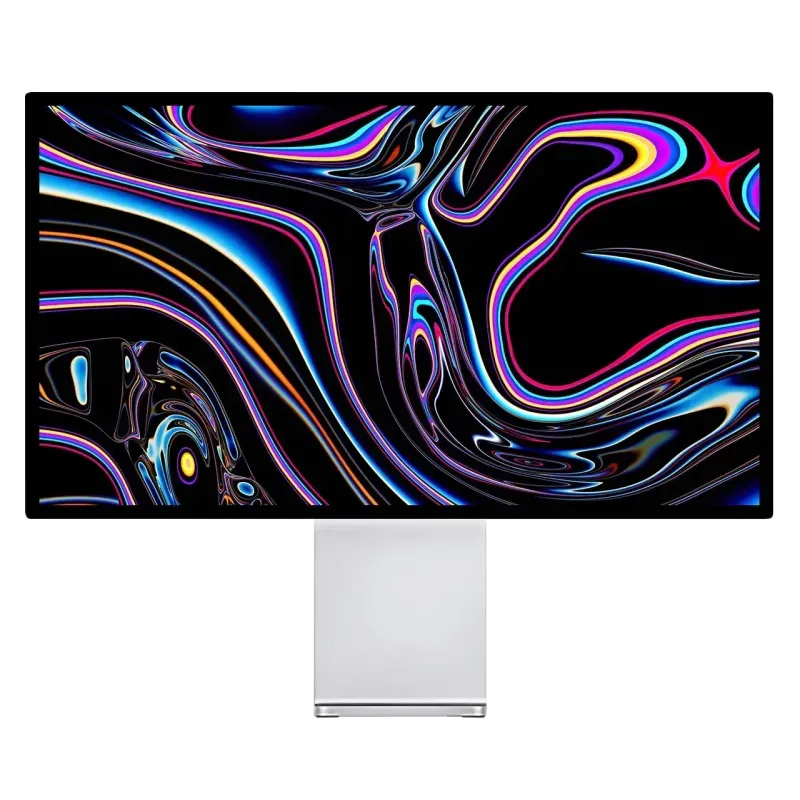
Kuycon G27P
27" · 5K · USB-C 100 W
From kr7,019.90 incl. VAT
- Resolution5120 × 2880
- Density218 ppi
- Load100 W
- Contrast2000:1
- Brightness600 nits
- USB hubyes
Why we recommend it: one cable between the laptop and the desk, a panel fine enough to read documents all day without fatigue, and the laptop charging in the meantime.
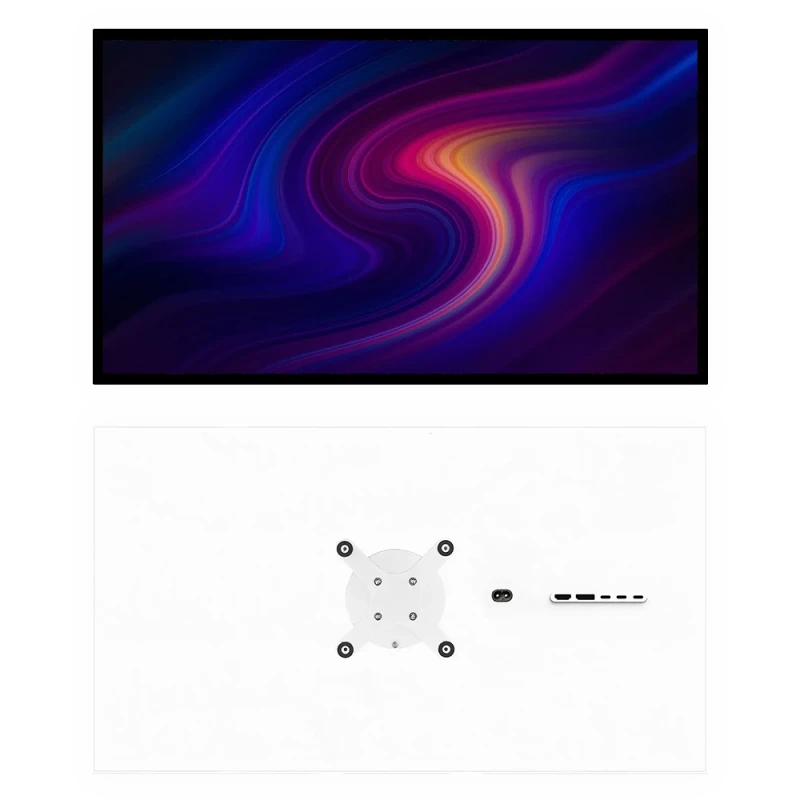
Kuycon P32K
32" · 4K · 144 Hz
From kr5,749.90 incl. VAT
- Resolution3840 × 2160
- Density139 ppi
- Legible at100 %
- Space3840 × 2160
- HDMI2.1
- PanelFast IPS
Why we recommend it: at 139 ppi, everything is legible with no scaling: a video call on one side, a spreadsheet on the other, without shrinking anything. Less than €700.
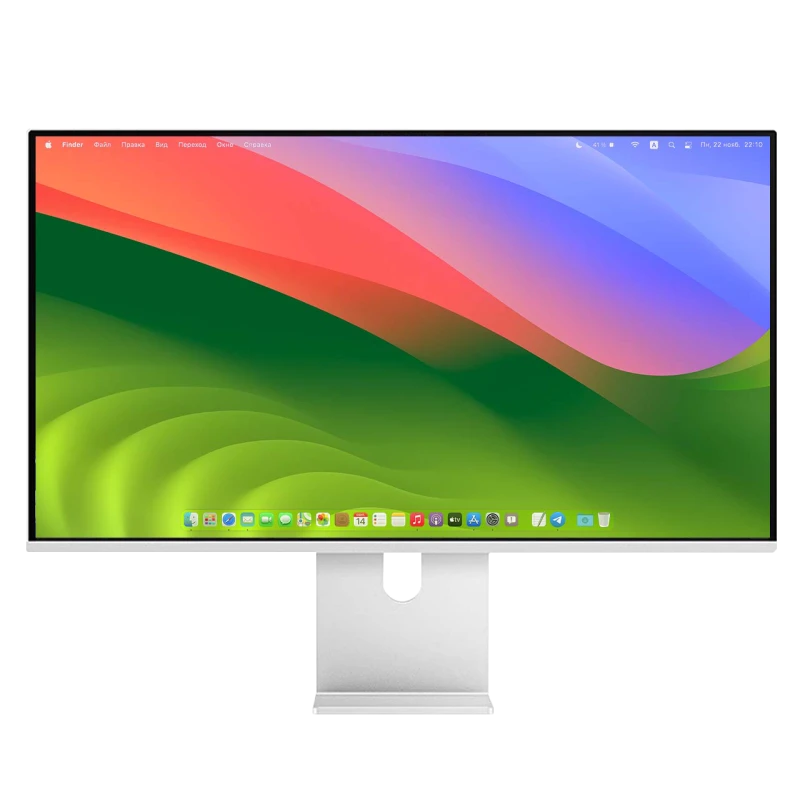
Kuycon P27L
27" · 4K · matte
From kr3,731.17 incl. VAT
- Resolution3840 × 2160
- Finishmatte
- Brightness400 nits
- Refresh rate60 Hz
- USB-Cyes
- Density163 ppi
Why we recommend it: under €500, with a matte finish that settles the reflections of a lit living space — often the real problem with a desk set up at home.
What changes at home
A home desk is almost never a dedicated room: it is a corner of the living room, a spare bedroom, a mezzanine. Three constraints follow from that, and none of them appears on a spec sheet.
- The light is not controlled. A glazed frontage, a living-room lamp, a ceiling light: if a source is behind you, a matte panel will save you from spending the day working around a reflection. The subject is covered in matte or glossy.
- The desk is small. Measure the depth before choosing the size: below 70 cm, a 32-inch is endured. A desk arm also frees the entire surface under the monitor.
- The setup gets packed away. If the computer leaves in the evening, USB-C becomes decisive: one cable to plug in, and the monitor, the keyboard, the mouse and charging all follow.
Video calls: what to plan for
The monitors in the range have no camera and no speakers. For remote work, it is worth anticipating: plan for an external webcam and a headset, or use the camera of the laptop sitting beside it. In return, the saving made on the monitor amply covers those accessories — and a headset is in any case more comfortable for the people you talk to than a built-in microphone a metre away from you.
Fatigue, at the end of the day
Three free settings change everything: brightness aligned with the room's rather than at maximum, the top of the monitor at eye level or slightly below, and indirect lighting aimed at the wall behind the monitor. The DDC/CI protocol lets you adjust the brightness from the keyboard as the day goes on, with no button to hunt for under the panel.
FAQ
Remote work: frequently asked questions
Which monitor for remote work?
A 27-inch 5K like the G27P if you mainly work on text: a single USB-C cable, laptop charging and a crispness that tires you less. A 32-inch 4K like the P32K if you juggle video calls and documents, for less than €800.
Do you need a monitor with a built-in webcam?
The monitors in the range do not have one. An external webcam and a headset do better than a built-in microphone a metre away from you, and the saving made on the monitor amply funds them.
Matte or glossy for a desk at home?
Matte in most cases: at home the light is not controlled and there is often a window behind you. The P27L in 4K and the G32X in 6K are the matte models in the range.
Is one cable really enough?
Yes on USB-C models: picture, peripherals plugged into the monitor and up to 100 W of charging travel together. That is particularly useful if the laptop leaves in the evening.
What size for a small desk?
27 inches, that is about 62 cm wide. Beyond that, you need at least 70 cm of depth to sit back far enough. A desk arm frees the surface under the monitor.
A workstation that fits in your home
Delivery and after-sales service in Europe, 2-year warranty in the European Union.
See all Kuycon monitorsGuide written in August 2026. The specifications are those published by the manufacturer at that date; check the product page before buying. Kuycon prices are shown in your currency.