
Buying guide · Updated in 2026
Which Kuycon 4K monitor to choose
4K remains the best pixels-per-euro ratio on the market, and the range includes five — from €499 to €1,350, from 60 to 240 Hz, from matte IPS to QD-OLED. Here is how to choose, and when 5K is the better call.
Our selection
Three 4K monitors for three uses
The rest of the 4K range follows from these three: it is a matter of size and refresh rate.
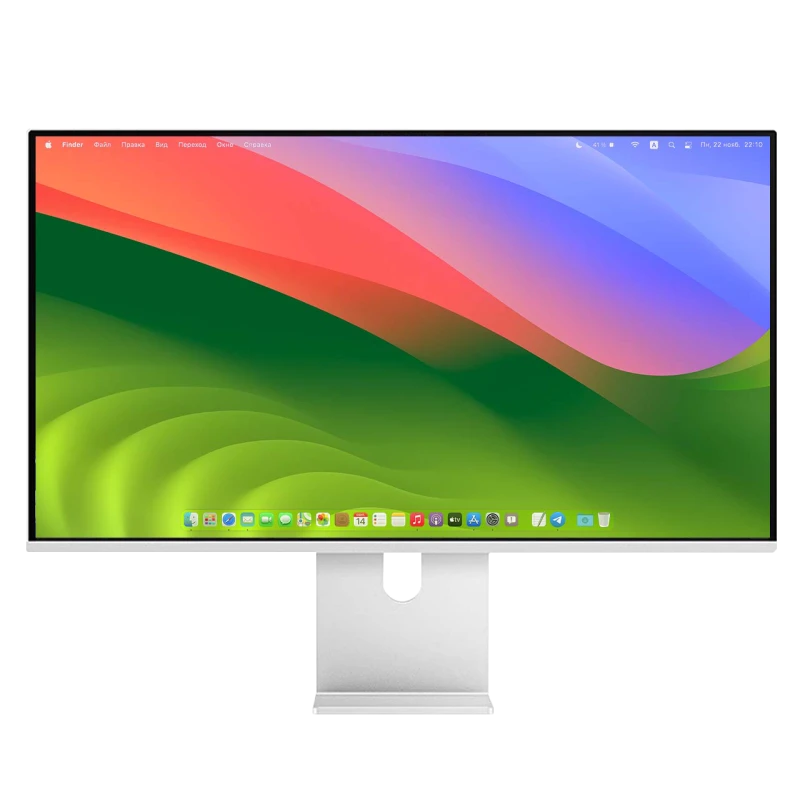
Kuycon P27L
27" · 4K · 60 Hz · matte
From €499.17 incl. VAT
- Resolution3840 × 2160
- Density163 ppi
- PanelIPS
- Brightness400 nits
- Finishmatte
- Refresh rate60 Hz
Why we recommend it: the entry ticket to USB-C 4K, under €500. Its matte finish makes it the best choice for a desk exposed to daylight, and 60 Hz is ample for office work.
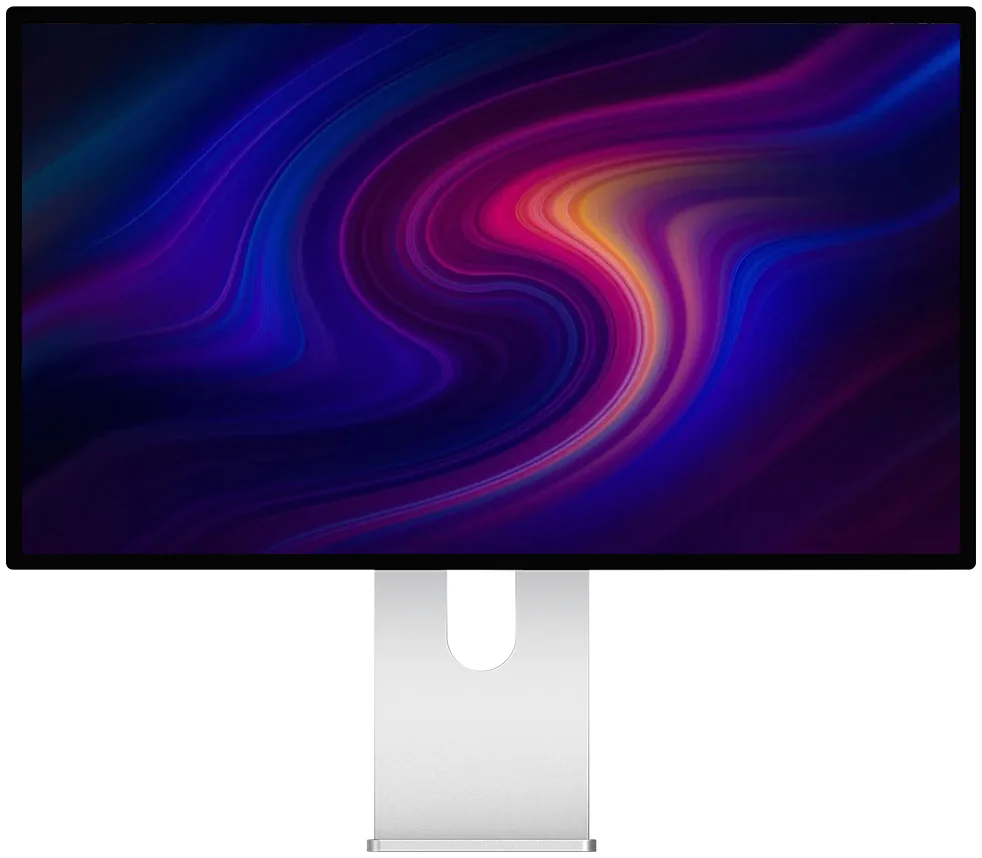
Kuycon P32K
32" · 4K · 144 Hz
From €769.00 incl. VAT
- Resolution3840 × 2160
- Density139 ppi
- PanelFast IPS
- Brightness500 nits
- Refresh rate144 Hz
- HDMI2.1
Why we recommend it: this is the most coherent 4K format. At 139 ppi the interface reads perfectly at 100% with no scaling at all: you have a real workspace of 3840 × 2160, and 144 Hz for gaming.
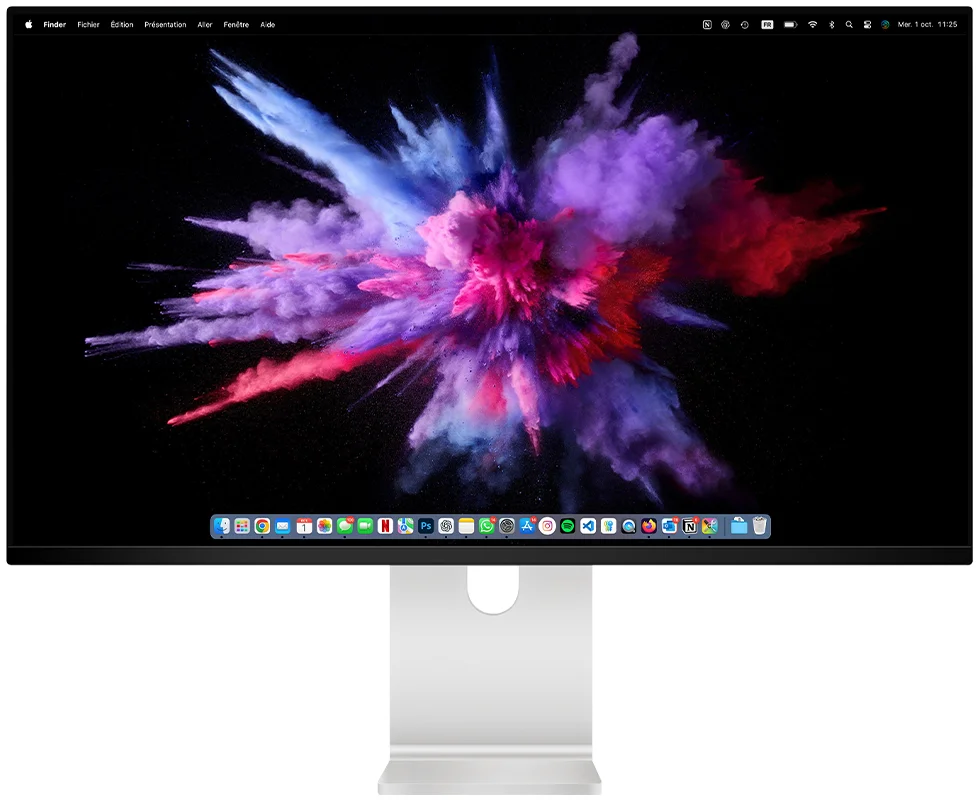
Kuycon Q32S
32" · QD-OLED · 240 Hz
From €1,279.00 incl. VAT
- Resolution3840 × 2160
- PanelQD-OLED
- Contrast1 500 000:1
- Peak brightnessup to 1000 nits
- Colours99 % DCI-P3
- Refresh rate240 Hz
Why we recommend it: the same resolution as the others, an entirely different image. The absolute black of QD-OLED and 240 Hz make it as much a gaming monitor as a living-room screen — it even comes with a remote control.

New — Kuycon P27ZB
27" 4K (3840 × 2160) · 240 Hz (480 Hz FHD) · Nano IPS Black · 939 €
See the P27ZB ›Comparison
The five 4K monitors in the range
| Model | P27L27" | P27D27" | P32K32" | P32T32" | Q32S32" |
|---|---|---|---|---|---|
| Density | 163 ppi | 163 ppi | 139 ppi | 139 ppi | 139 ppi |
| Refresh rate | 60 Hz | 144 Hz | 144 Hz | 160 Hz | 240 Hz |
| Panel | IPS | IPS | Fast IPS | 10-bit IPS | QD-OLED |
| Contrast | 1000:1 | 1000:1 | 1000:1 | — | 1 500 000:1 |
| Brightness | 400 nits | 500 nits | 500 nits | — | up to 1000 nits |
| Finish | matte | glossy | glossy | — | glossy |
| Price | €499.17 | €729.00 | €769.00 | €819.00 | €1,279.00 |
The P32T adds a machined aluminium chassis and 10-bit factory calibration. Prices are shown in your currency.
4K at 27 or at 32 inches?
The same resolution, two opposite experiences. At 27 inches, 4K gives 163 ppi: the image is fine, but the interface shown at 100% becomes small, which forces non-integer scaling. At 32 inches you drop to 139 ppi: everything is directly legible at 100%, and the real workspace reaches 3840 × 2160.
That is why the 32-inch 4K is often the best buy in the range: it gives plenty of usable room, with no particular setting, for less than €800.
When should you go for 5K instead?
Three cases, and they overlap:
- You work on a Mac. macOS is designed around a density close to 220 ppi: only a 27" 5K or 32" 6K panel produces true Retina rendering there. See our 5K guide for Mac.
- You spend the day in text. Code, writing, dense layouts: the difference in sharpness between 163 and 218 ppi shows on every line.
- You edit images at full resolution. A 5K or 6K panel shows a photo at 100% while leaving room for the palettes around it.
Conversely, if you game, watch videos or work on Windows on a contained budget, 4K remains the rational choice: it demands half the graphics power of 5K, and costs considerably less.
Refresh rate: 60, 144 or 240 Hz?
For office work and browsing, 60 Hz is enough — that is the deliberate bet of the P27L, which puts its budget into the panel rather than into hertz. From 144 Hz, moving windows and the cursor becomes visibly smoother, and gaming makes full use of the gain. Beyond that, 240 Hz is aimed at competitive players.
Mind the cable: the P27D and P32K have HDMI 2.1, capable of carrying 4K at 144 Hz. On other models in the range, HDMI is version 2.0 and high refresh rates go strictly over DisplayPort or USB-C.
Glossy or matte?
The P27L is the only matte 4K in the selection, and that is a genuine deciding factor. Facing a window, a matte finish removes reflections; in a room with controlled lighting, a glossy anti-reflective finish preserves contrast and saturation better.
FAQ
Kuycon 4K monitors: frequently asked questions
Which is the best Kuycon 4K monitor?
The P32K for most uses: 32 inches at 139 ppi, therefore legible at 100% without scaling, with 144 Hz and HDMI 2.1, for around €770. The P27L if budget comes first, at under €500. The Q32S if image quality comes above everything, thanks to its QD-OLED.
4K or 5K?
5K if you work on a Mac or spend the day in text: 218 ppi on 27 inches give Retina rendering that 4K cannot reach. 4K if you game, watch videos, or want the best surface-per-euro ratio: it demands half the graphics power.
Is 4K at 32 inches too low in density?
No, provided you know what you are buying. At 139 ppi the text does not have the fineness of a 5K panel, but the interface is directly legible at 100% and the real workspace reaches 3840 × 2160 — considerably more than a 27-inch 5K in everyday use.
Which graphics card for 4K at 144 Hz?
For display alone, any recent card with DisplayPort 1.4 or HDMI 2.1 will do. To actually play at 144 frames per second in 4K, on the other hand, you need a high-end graphics card: it is the game, not the monitor, that sets the limit.
Do these monitors work with a Mac?
Yes, with no driver and over a single USB-C cable. macOS will simply apply non-native scaling on the 27-inch models; on the 32-inch 4K models, the display at 100% is comfortable as it is.
4K, from a tight budget to QD-OLED
Five models from €499 to €1,350, delivery and after-sales service in Europe, 2-year warranty in the European Union.
See all Kuycon monitorsGuide written in August 2026. The specifications are those published by the manufacturer at that date and are subject to change; check the product page before buying. Kuycon prices are shown in your currency.